Partner & Team Matching
Manage pending entries and automatically match partners for doubles and team competitions
When running doubles or team competitions, players don't always have a partner at entry time. TourneyPilot lets you add players as pending entries and match them with partners later using automatic or manual matching tools.
Creating a Doubles Competition
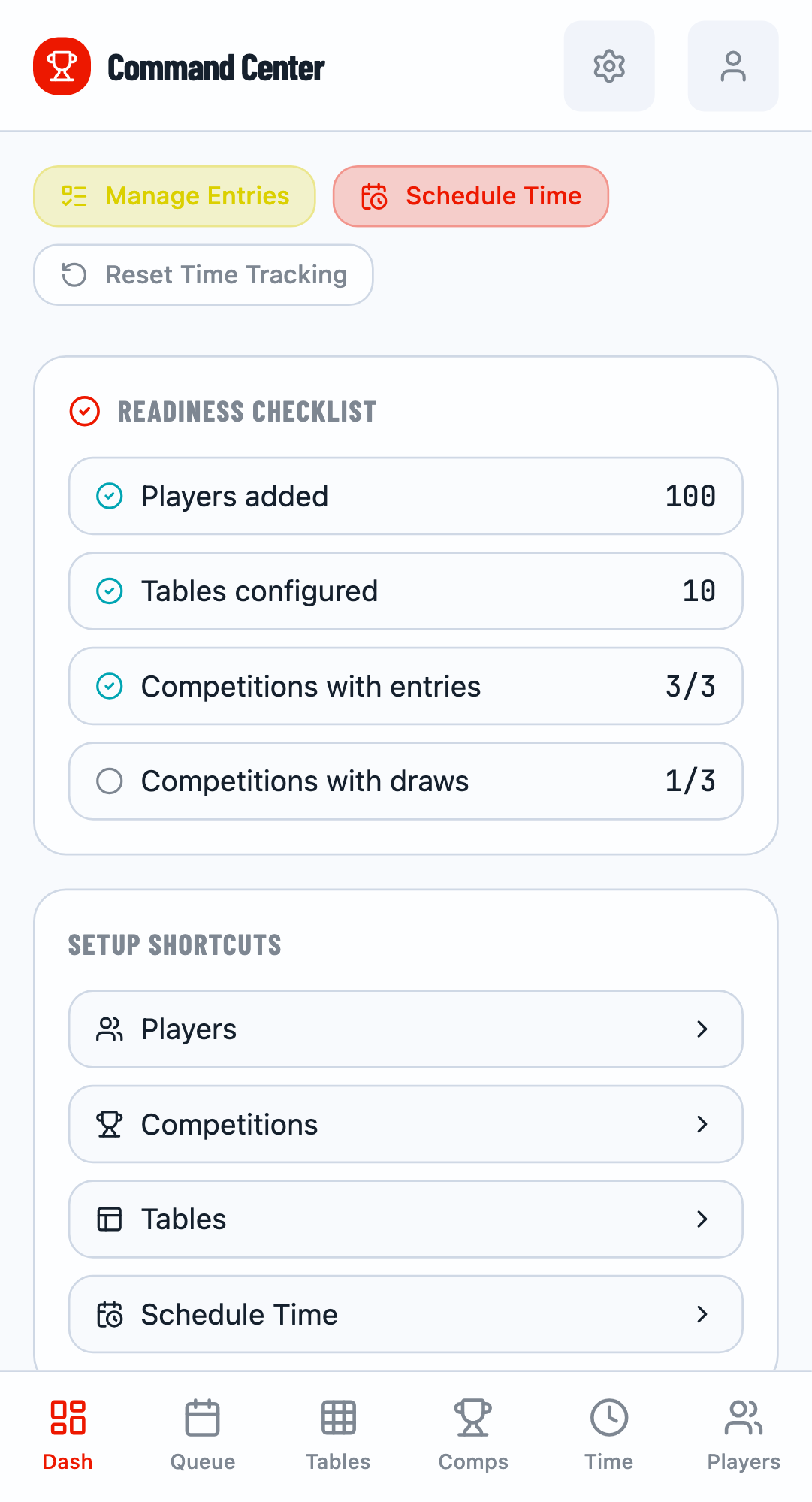
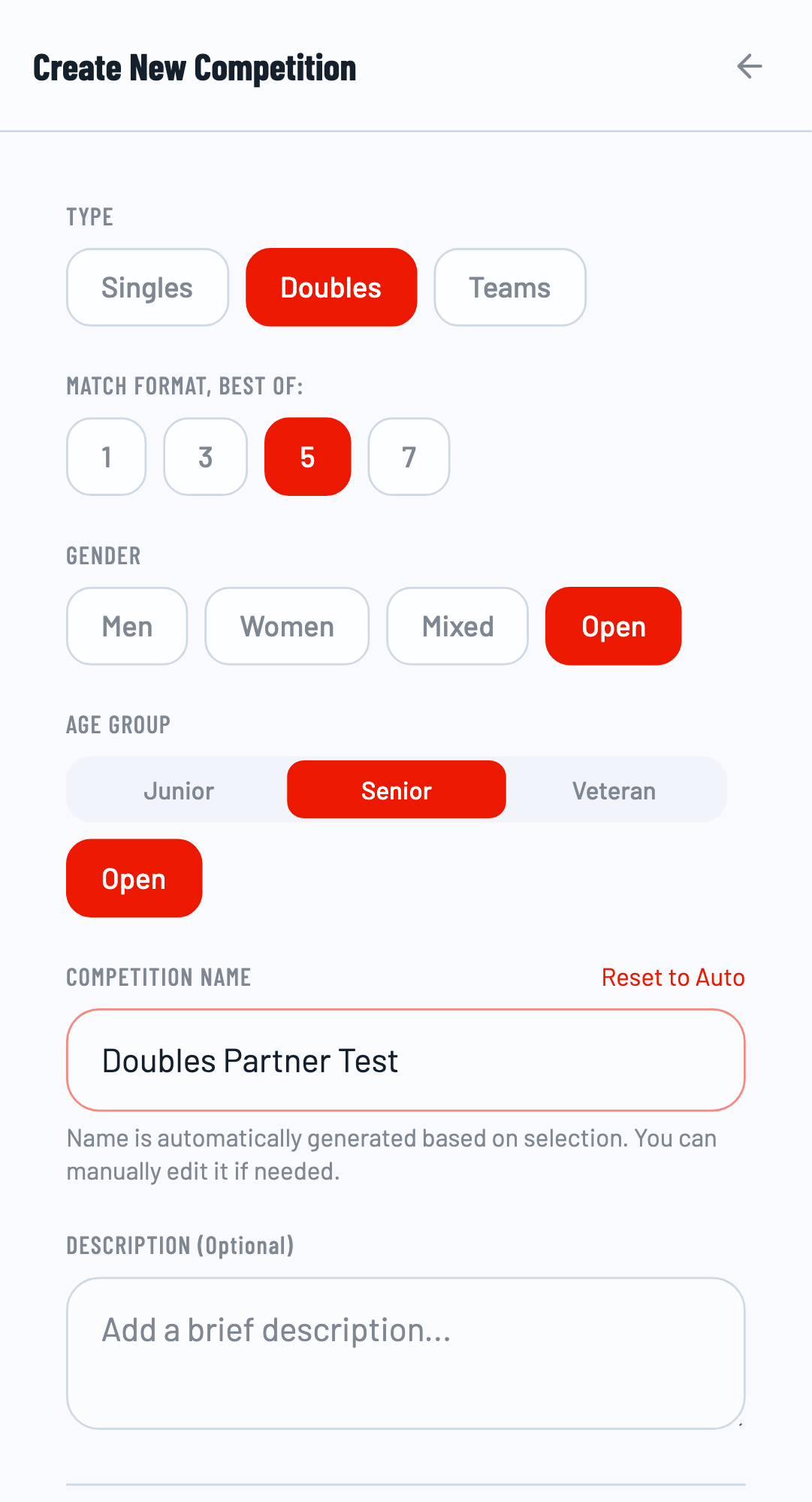
Navigate to the Competitions tab and click the + button to create a new event. Give your competition a name and select Doubles as the competition type.
Adding Complete Pairs
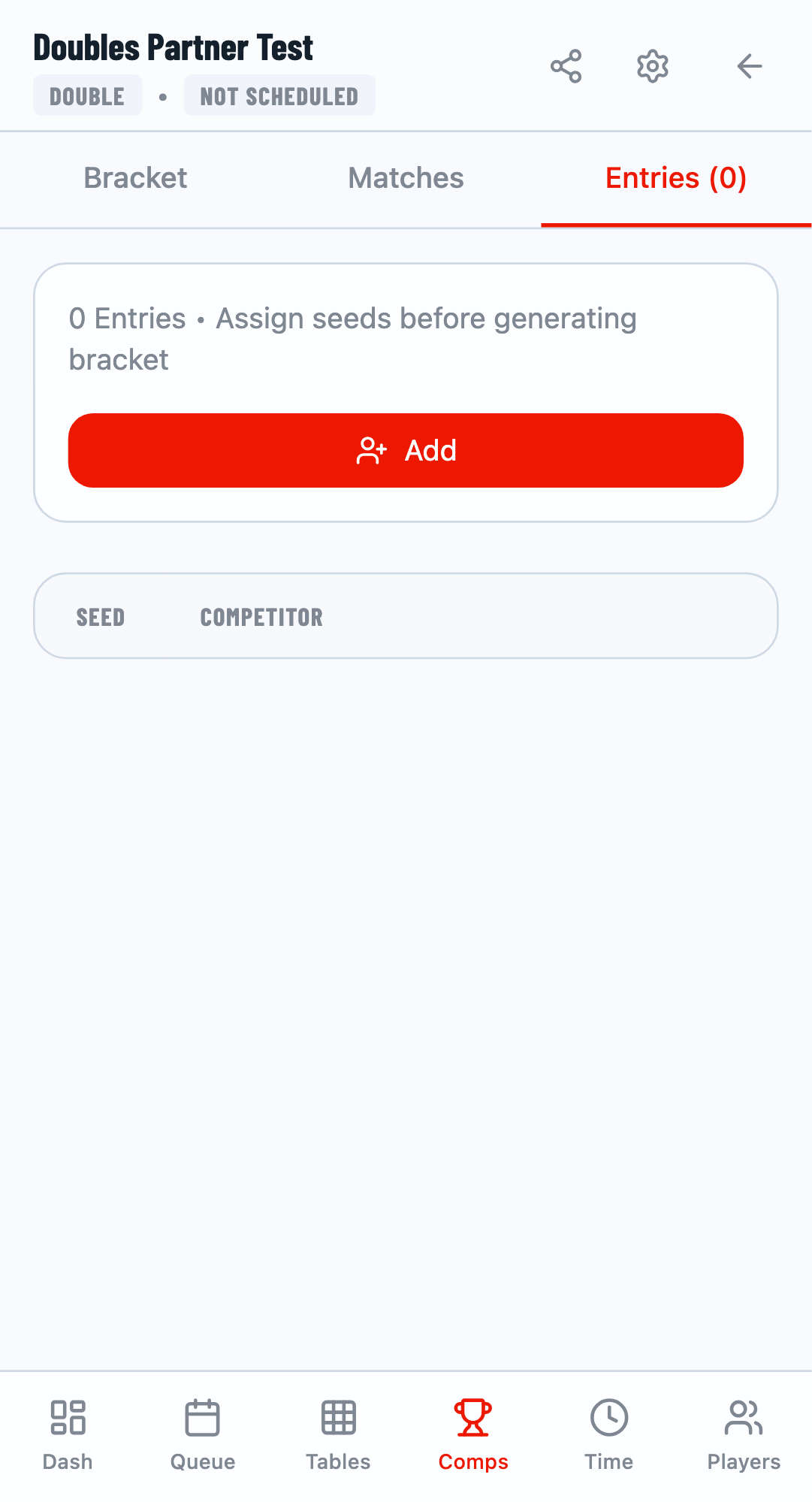
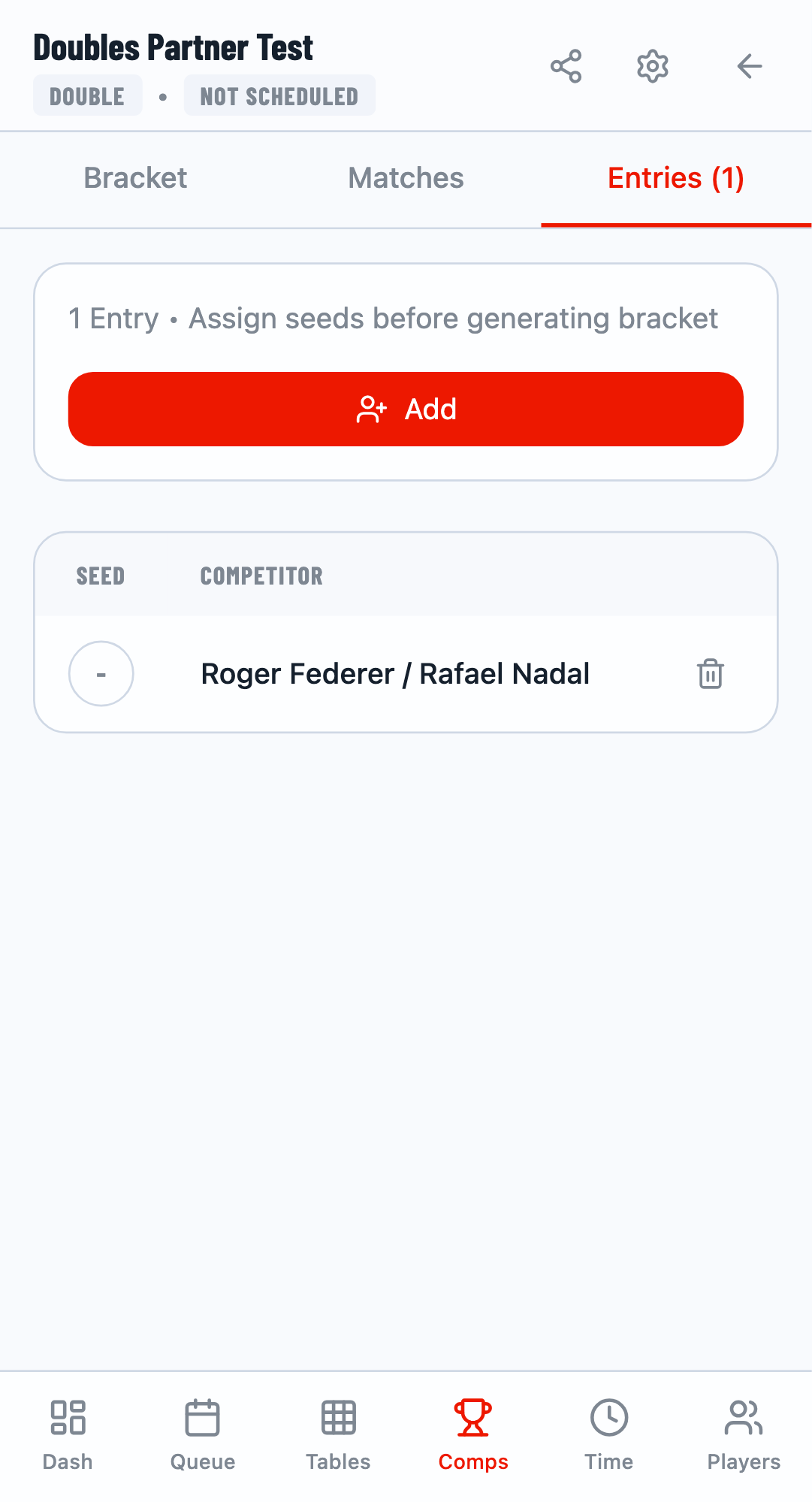
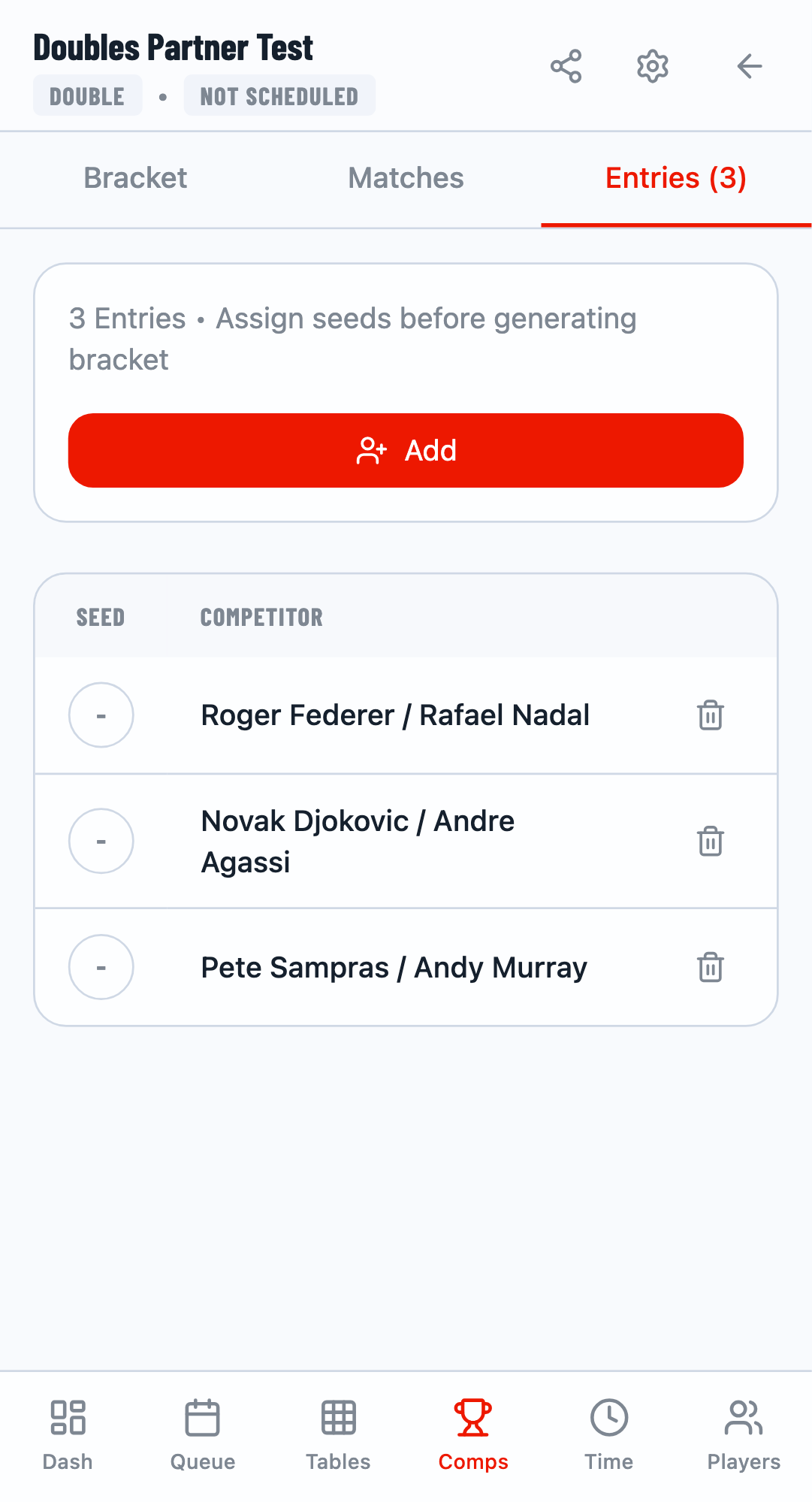
Open the competition and go to the Entries tab. Click Add to open the player selection modal.
Select Two Players
Search for and select two players. The selection counter shows 1/2 when one player is selected, and 2/2 when both are selected.
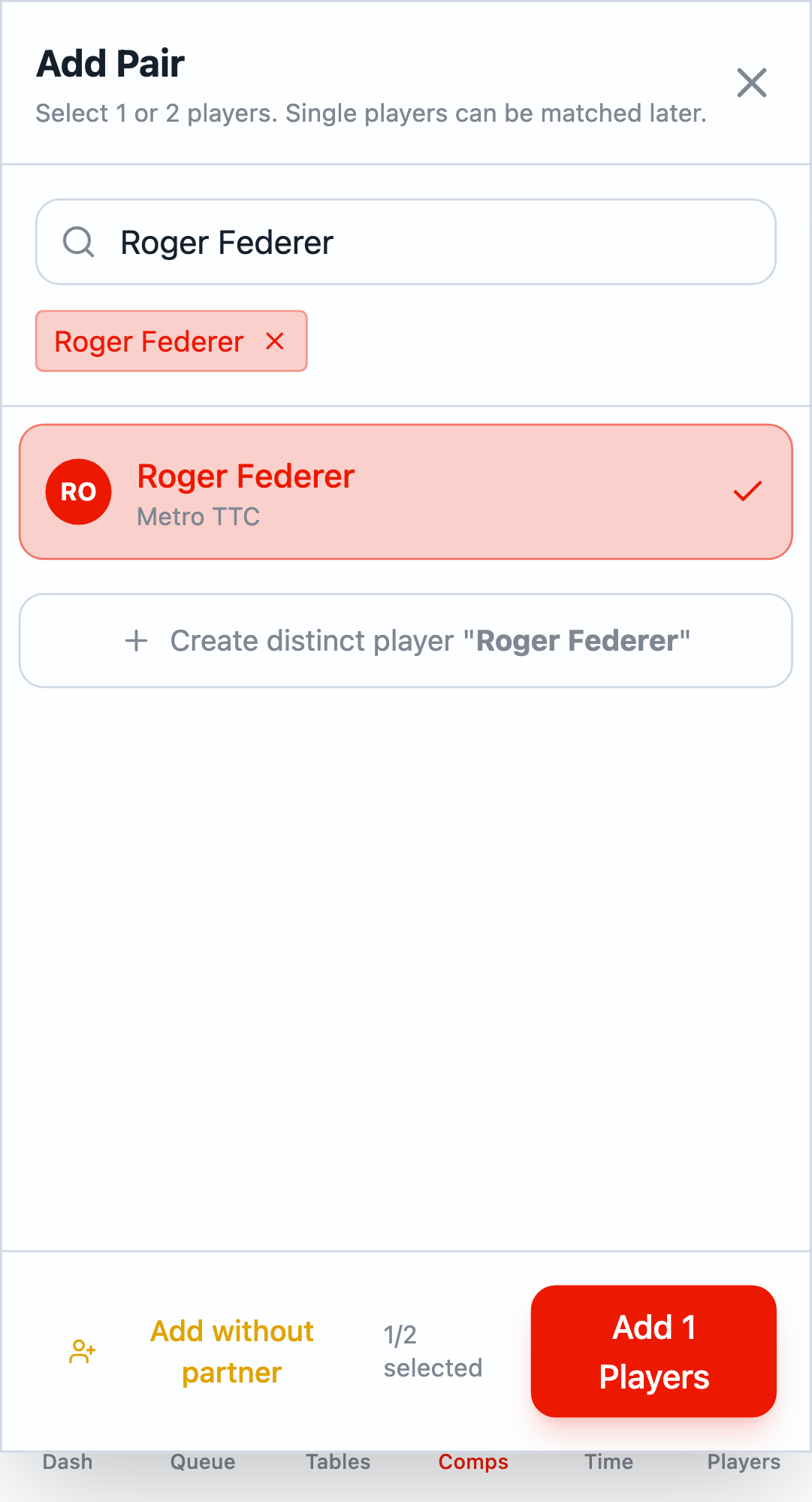
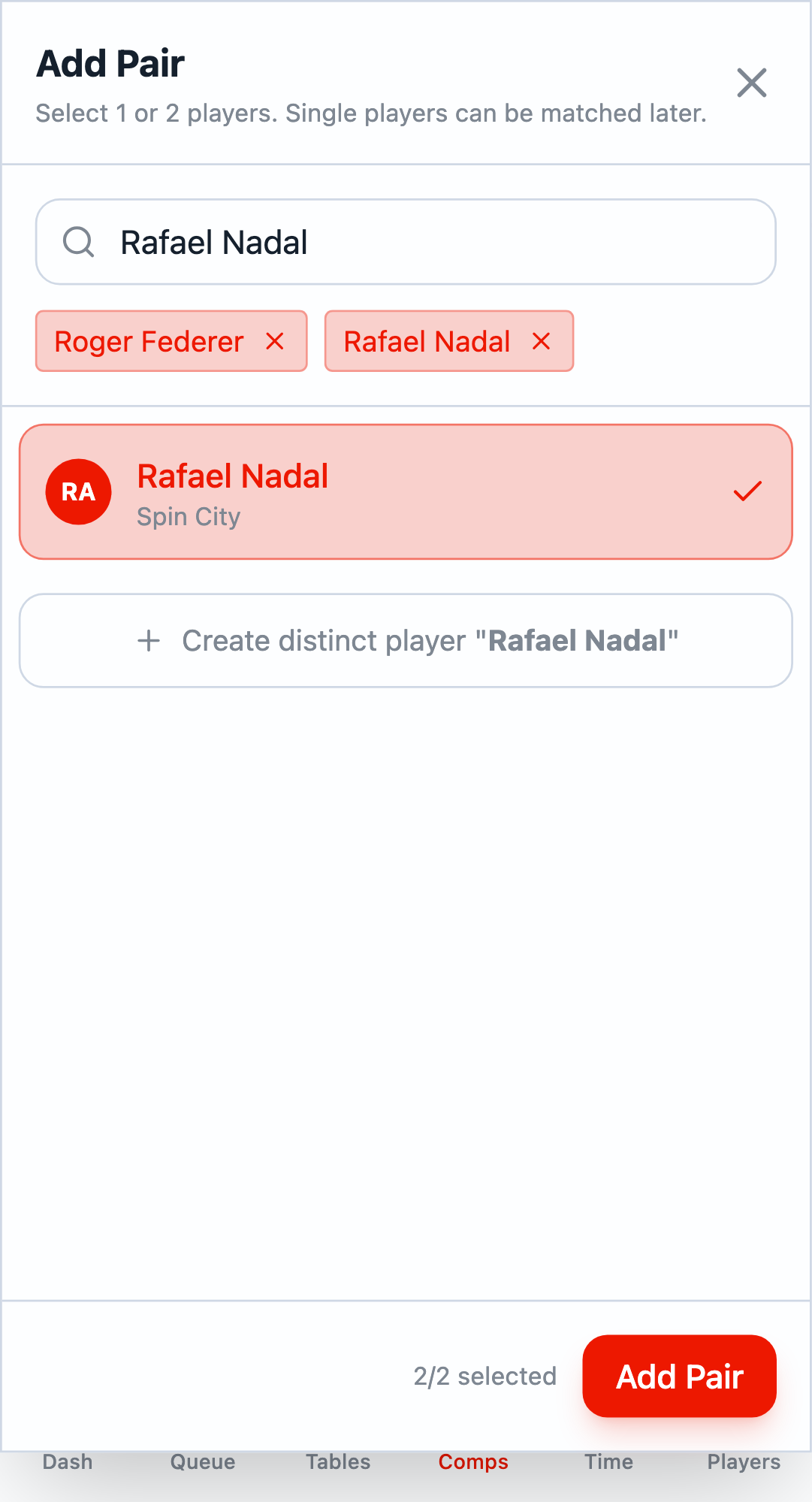
Click Add Pair to add them as a complete doubles team.
Adding Pending Entries
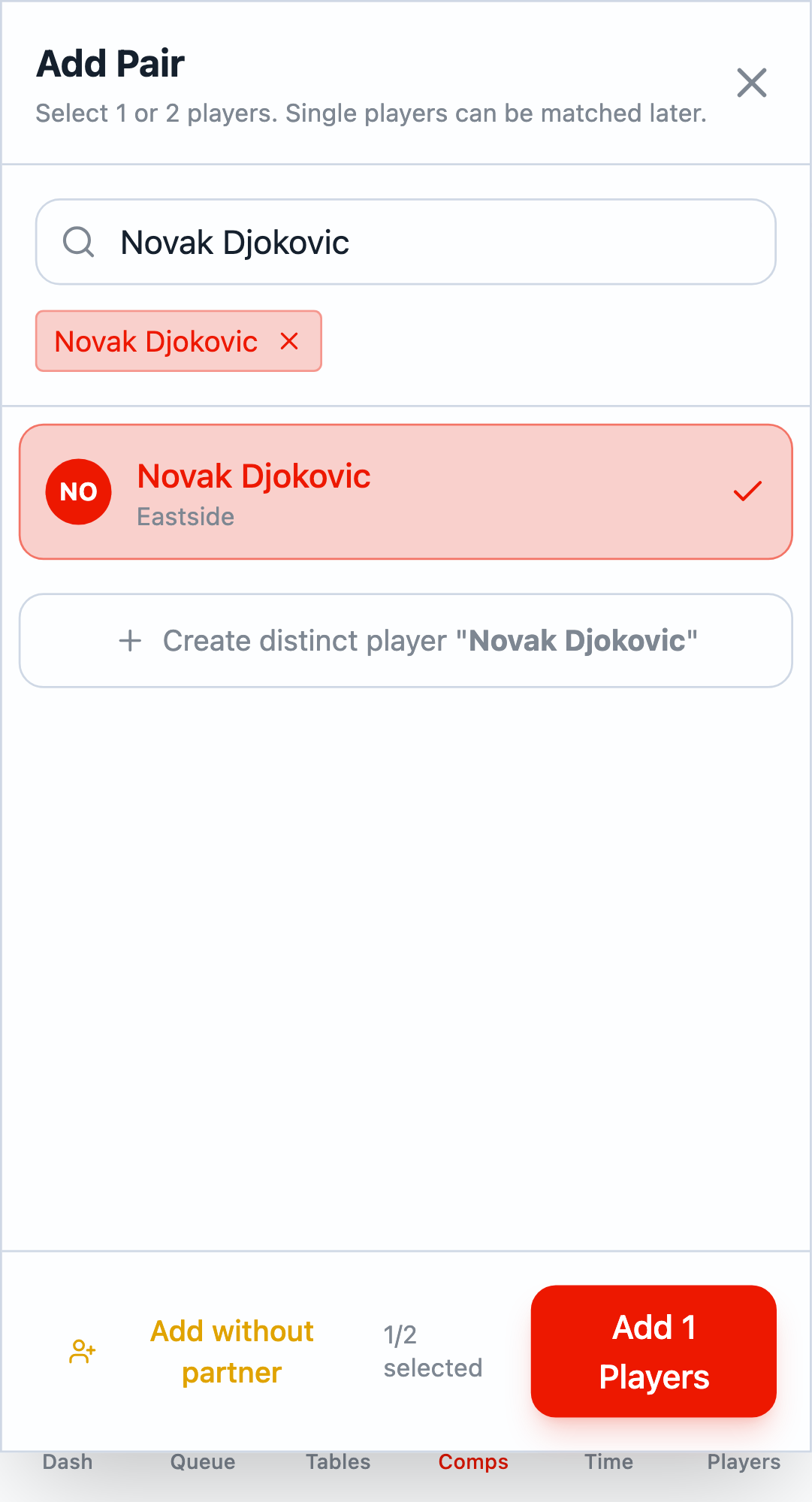
When a player doesn't have a partner, you can add them as a pending entry. Select just one player and click Add without partner.
Pending Entries Panel
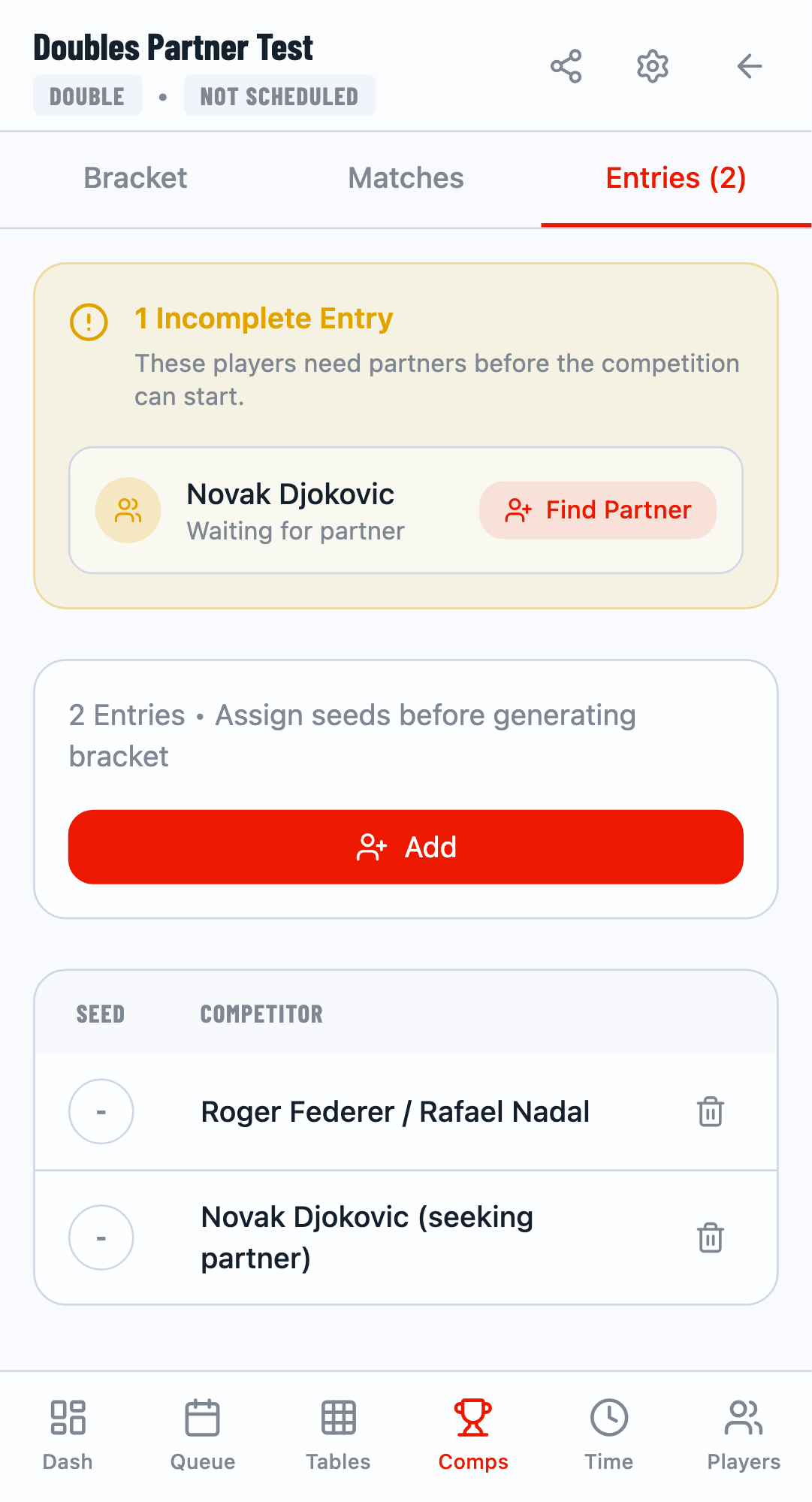
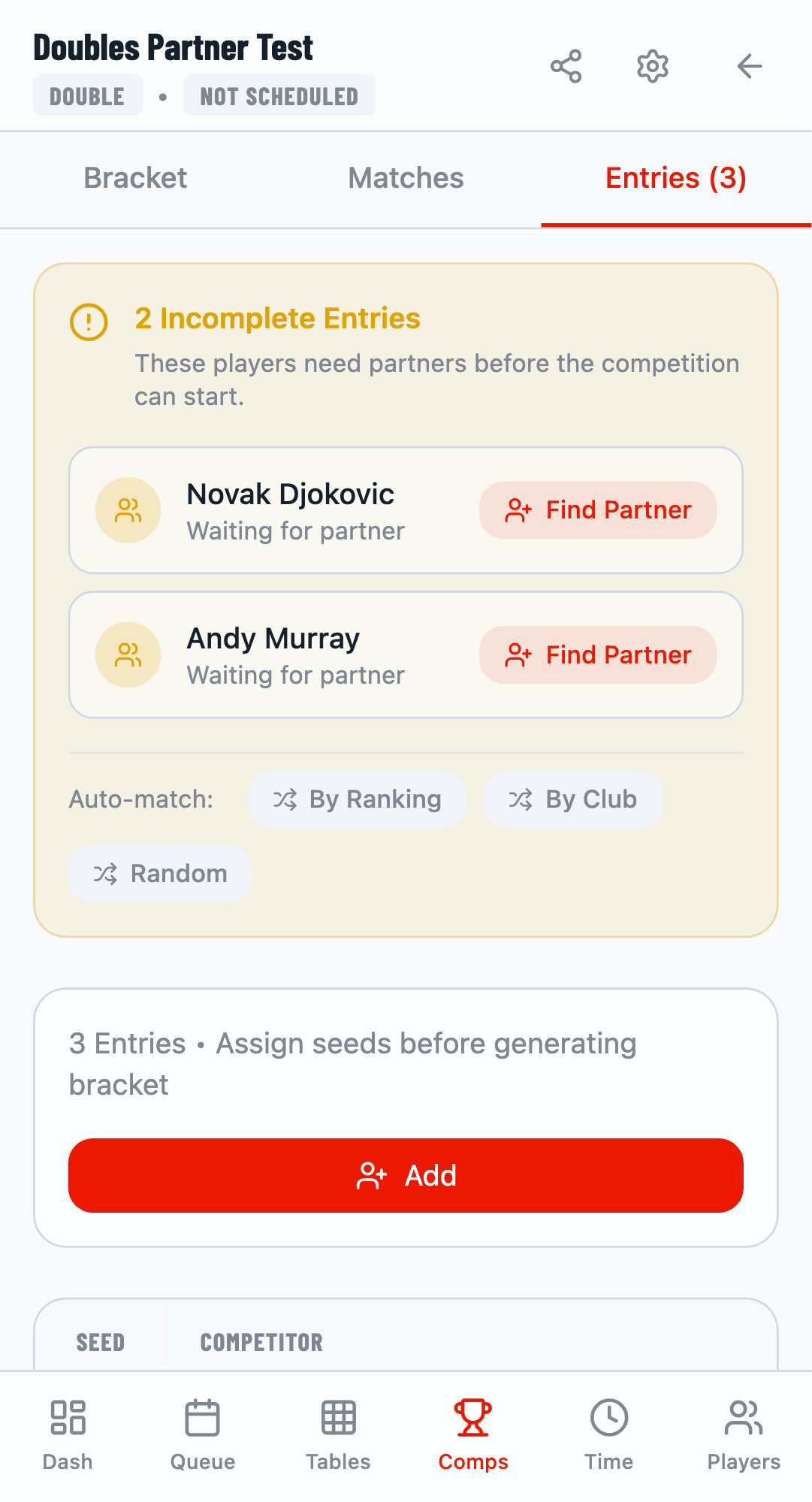
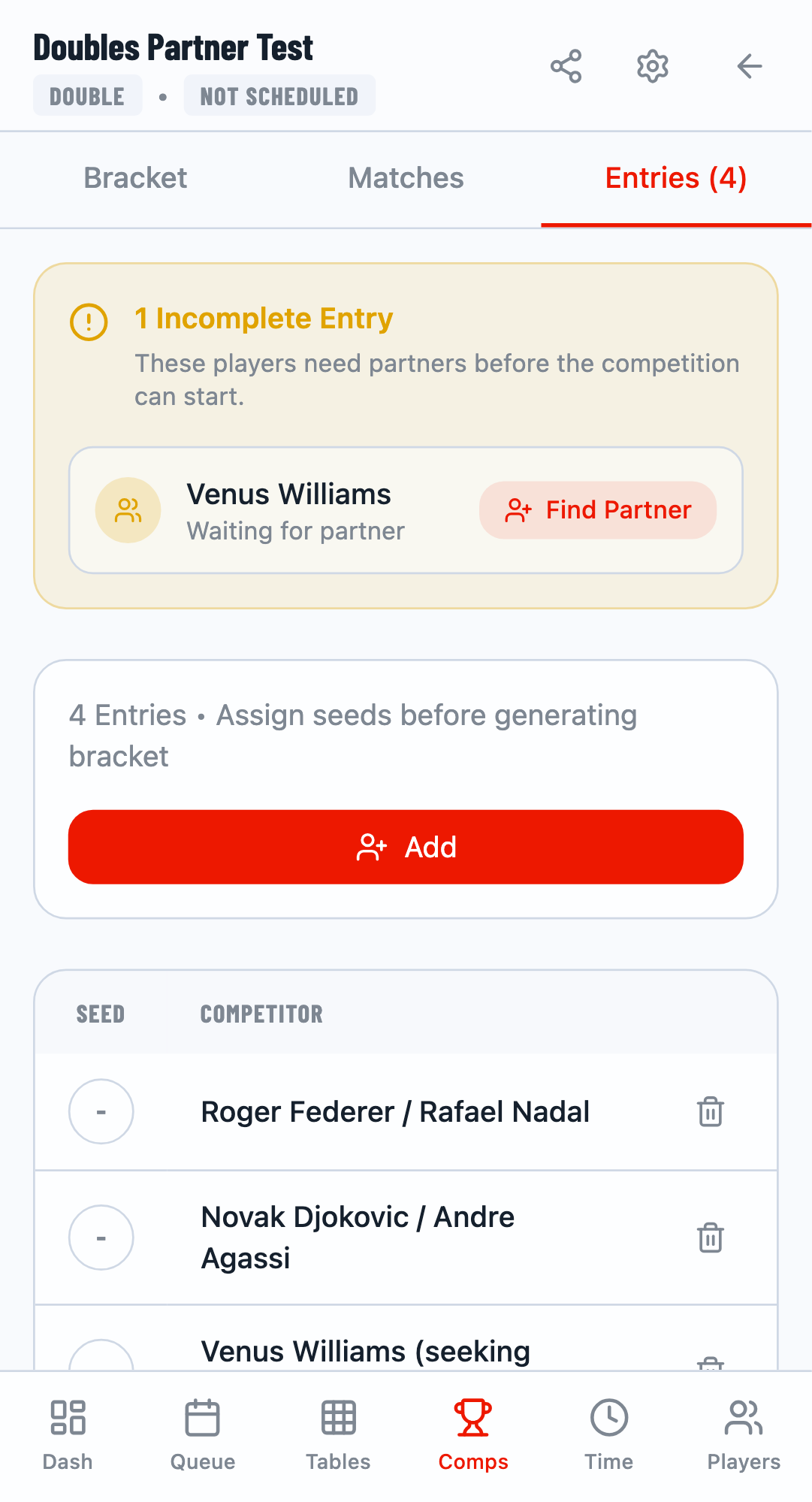
After adding pending entries, a Pending Entries panel appears showing all incomplete entries. The panel displays:
- Number of incomplete entries
- Names of players waiting for partners
- Auto-match buttons and individual "Find Partner" buttons
Auto-Matching Partners
The pending entries panel provides three automatic matching strategies:
By Ranking
Matches players with similar rankings together for balanced competition.
By Club
Prioritizes matching players from the same club or organization.
Random
Randomly pairs players without considering rankings or clubs.
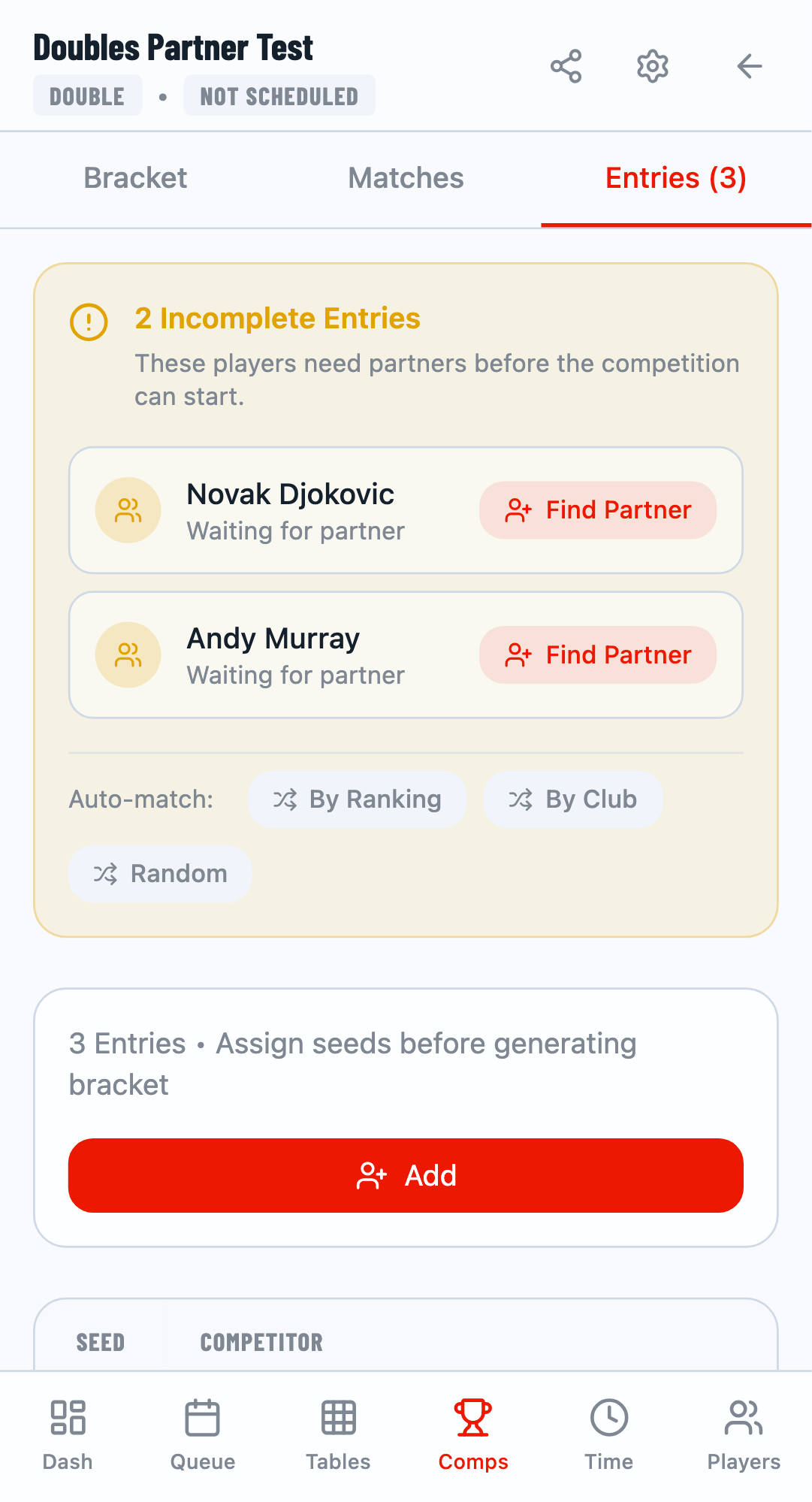
Click any strategy to instantly pair all pending entries. The system will match players according to the selected criteria.
Manual Partner Selection
For more control, use the Find Partner button on individual pending entries. This opens a partner selection modal where you can manually choose a partner.
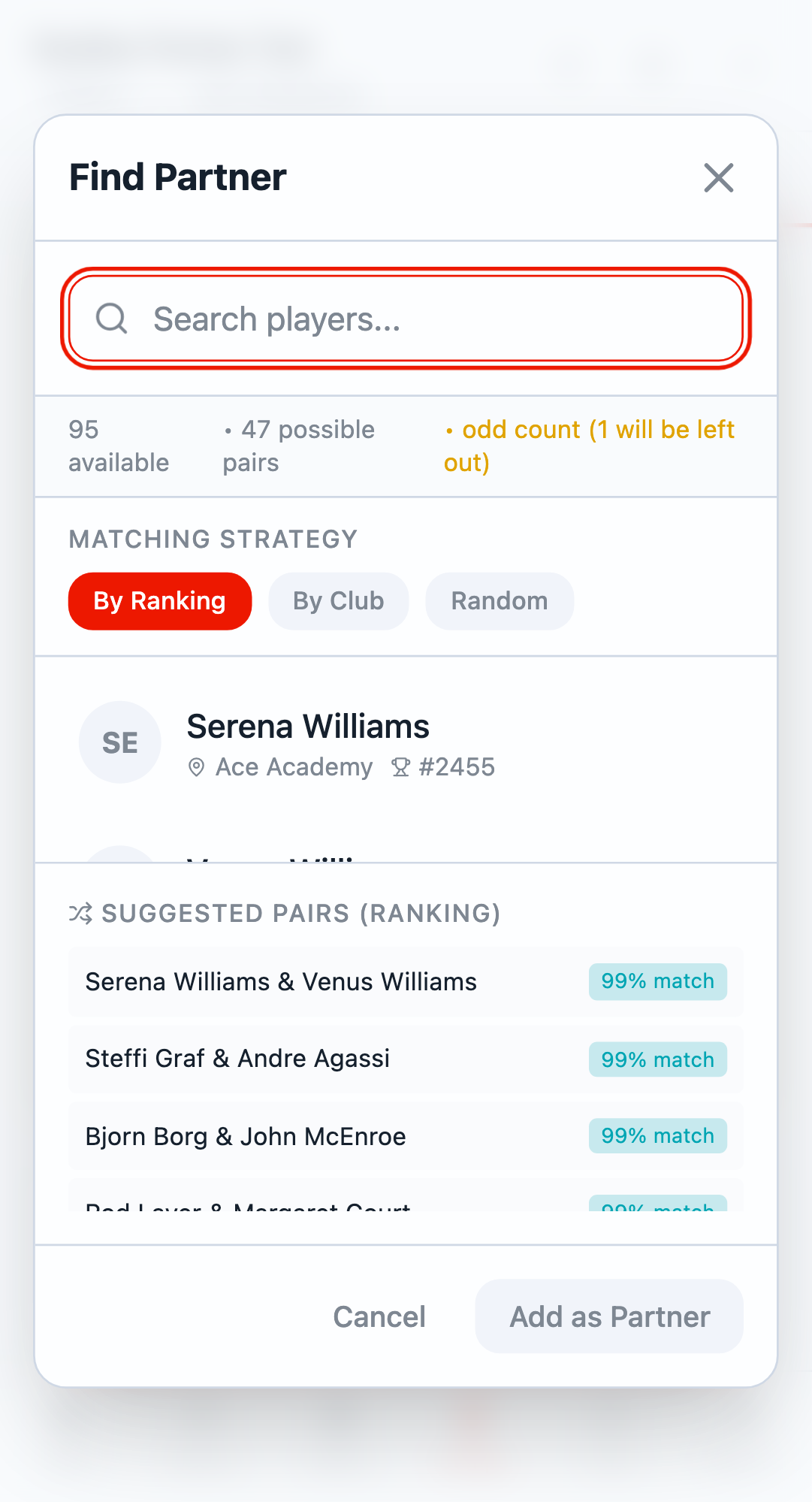
Search for an available player, select them, and click Add as Partner to complete the pair.
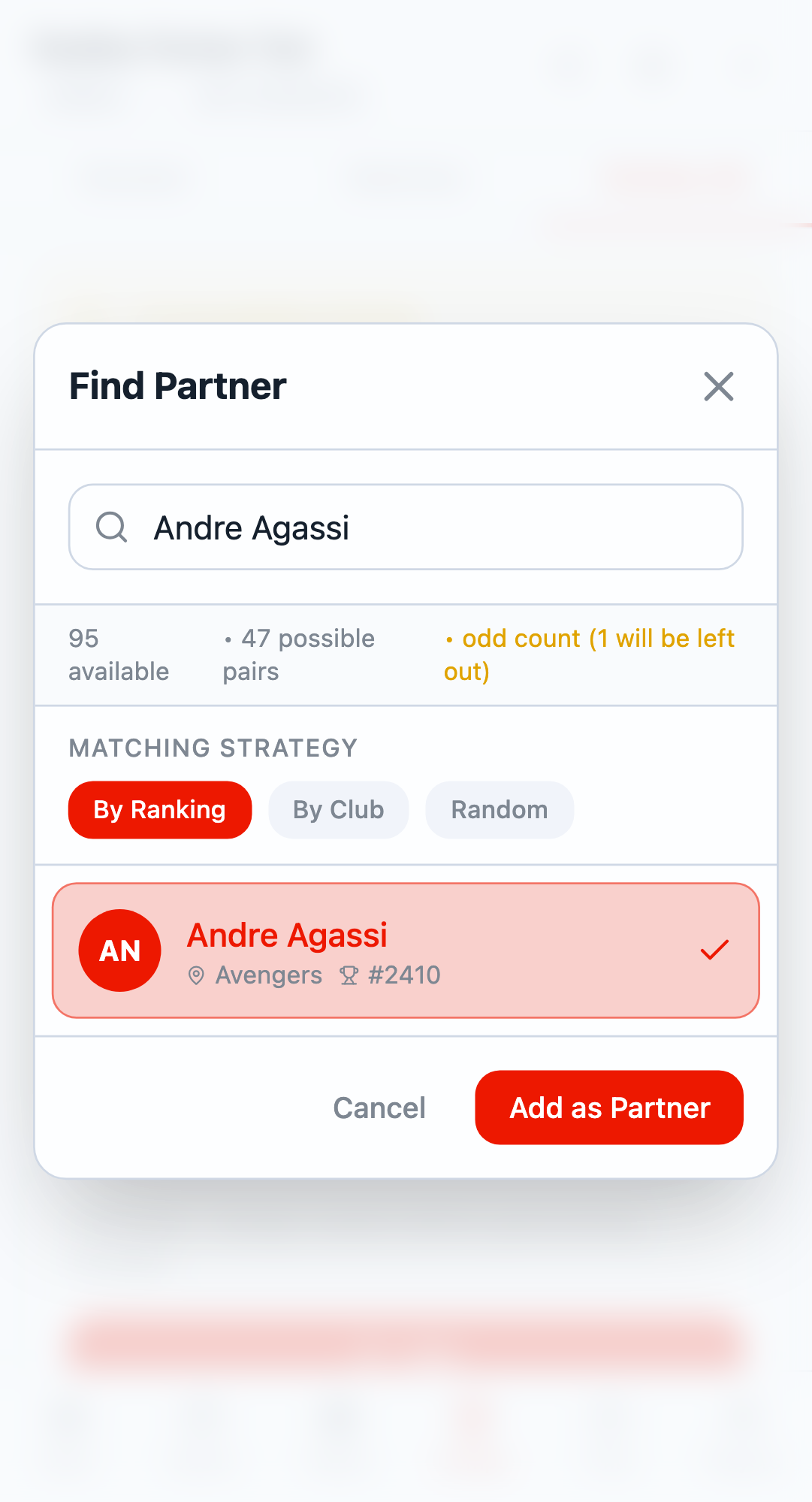
Completed Entries
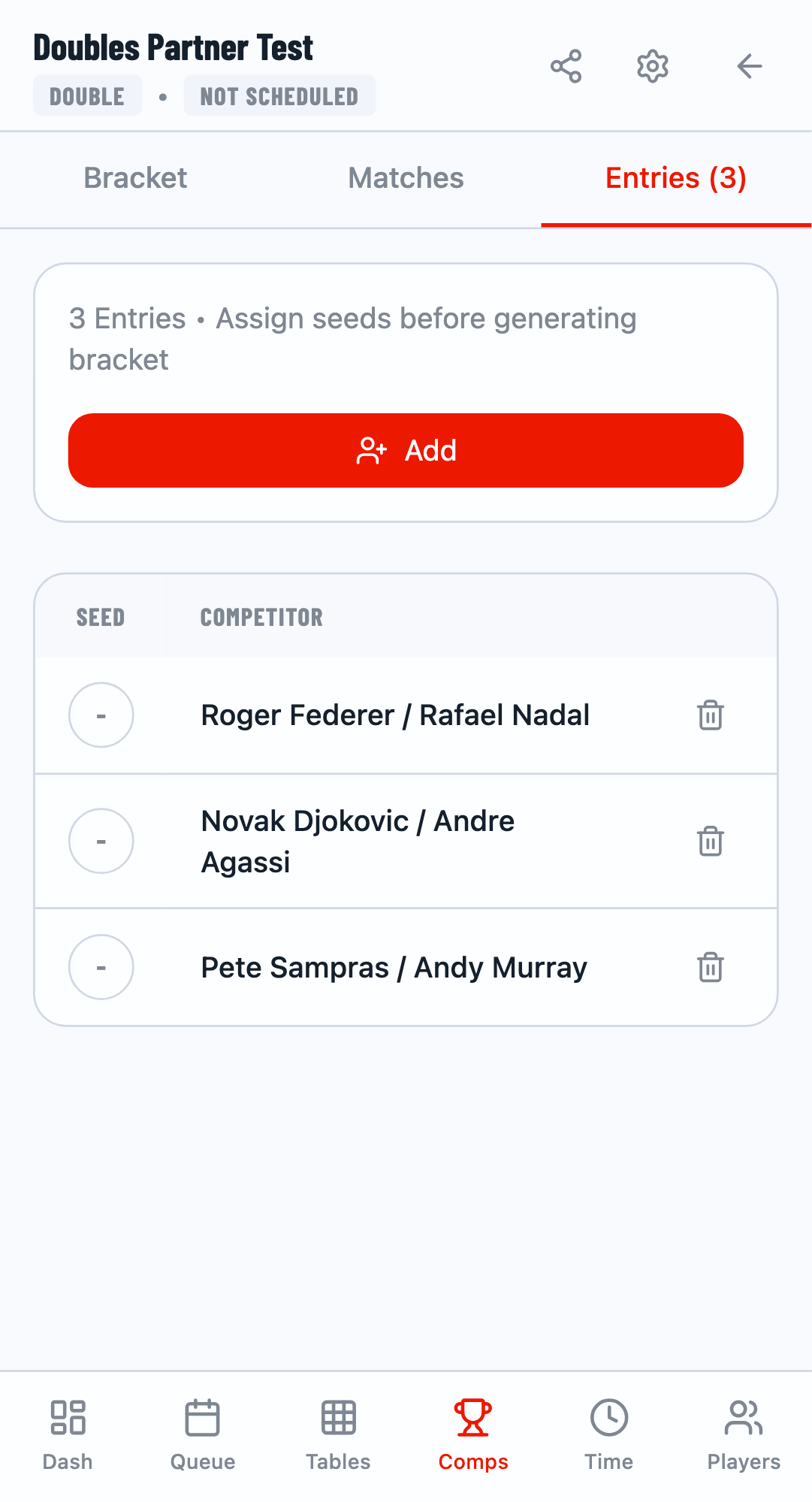
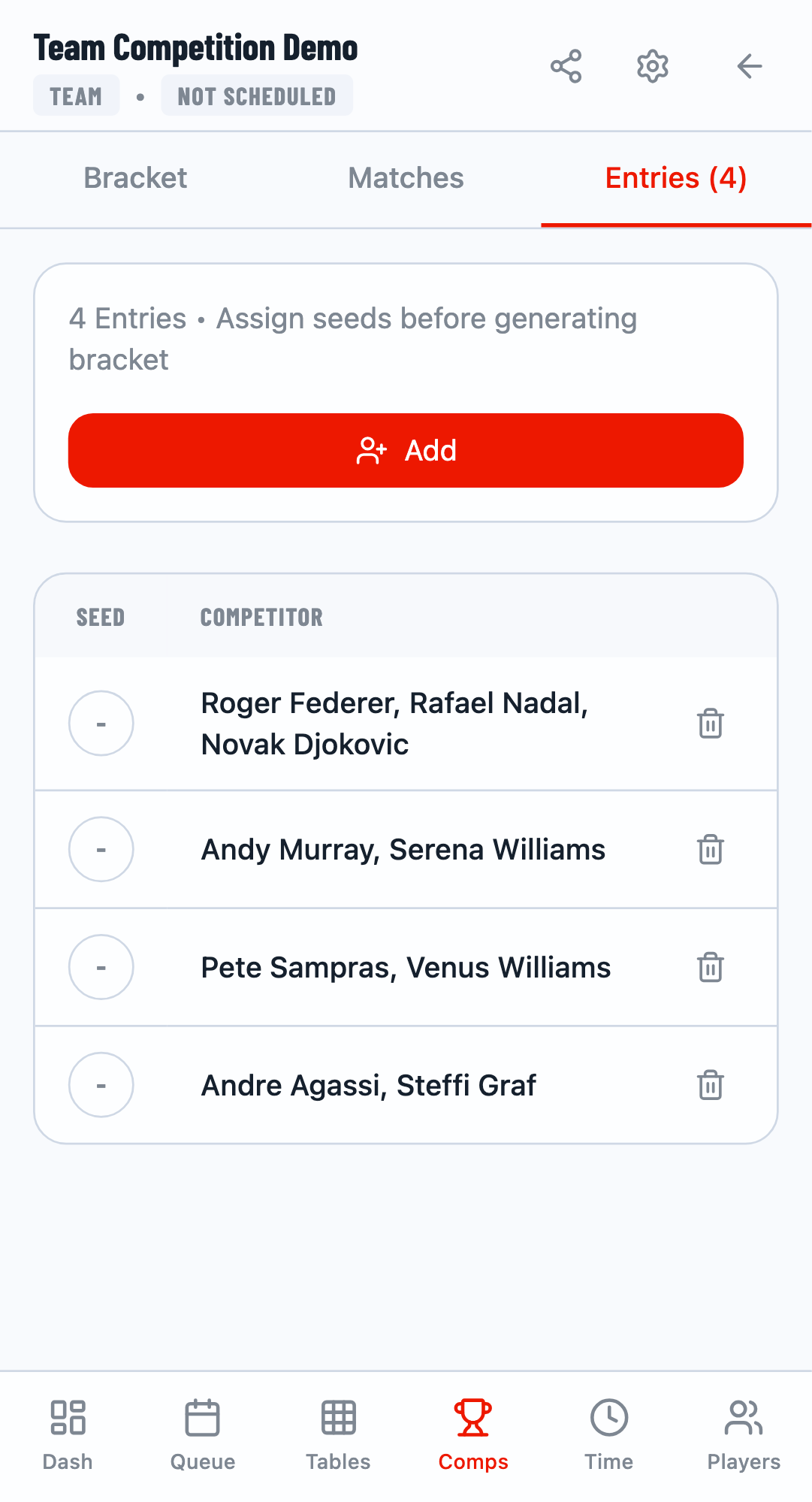
After matching all pending entries, the panel disappears and you'll see the complete list of entries in the competition.
Incomplete Entry Warning
You cannot start a competition while there are pending entries. The system blocks starting until all players have partners. The pending entries panel will remain visible as a reminder.
Team Competitions
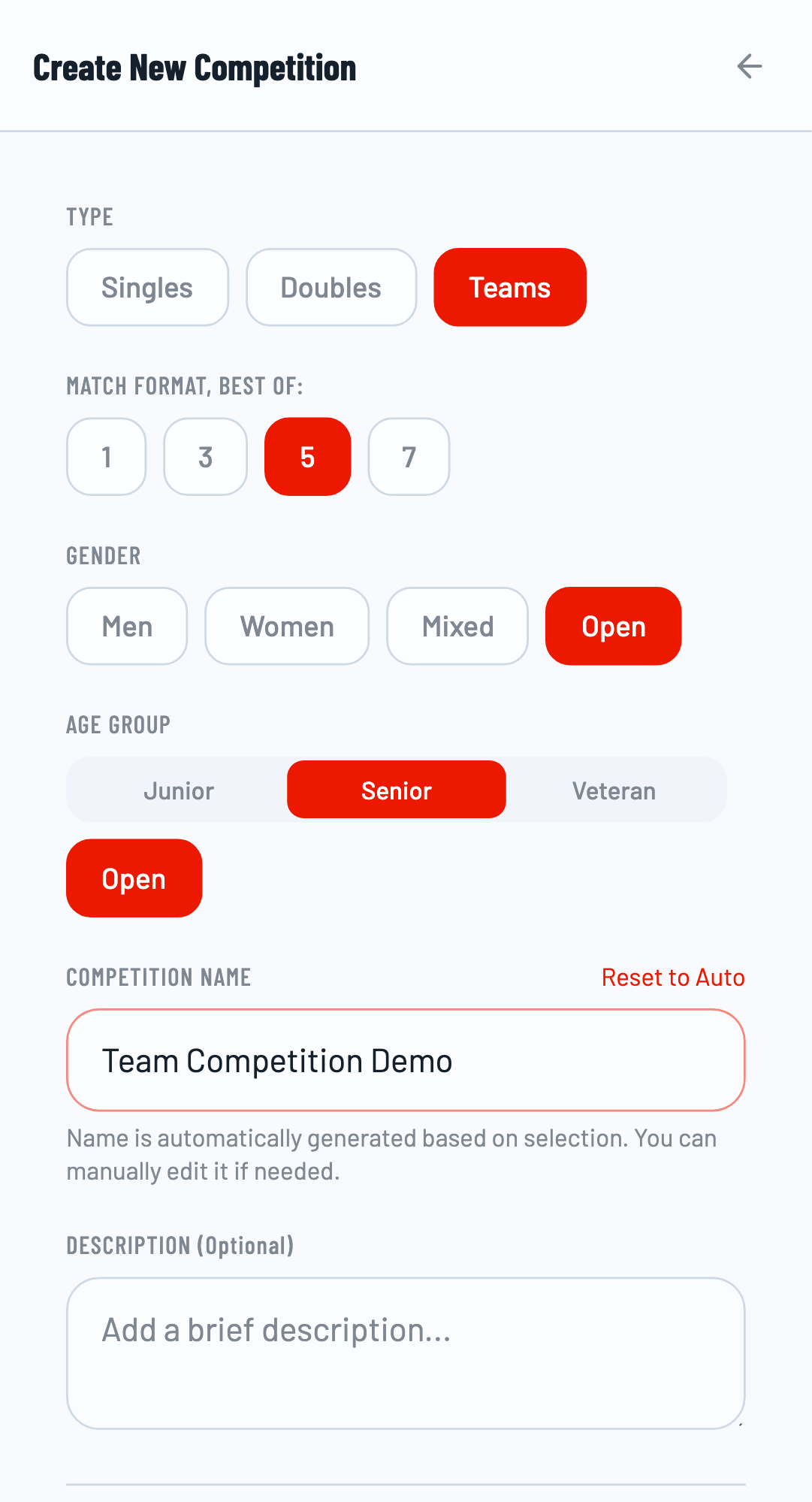
Team competitions work similarly to doubles but with more flexibility in team sizes. The same pending entry and auto-matching concepts apply, but with team-specific features.
Creating Teams
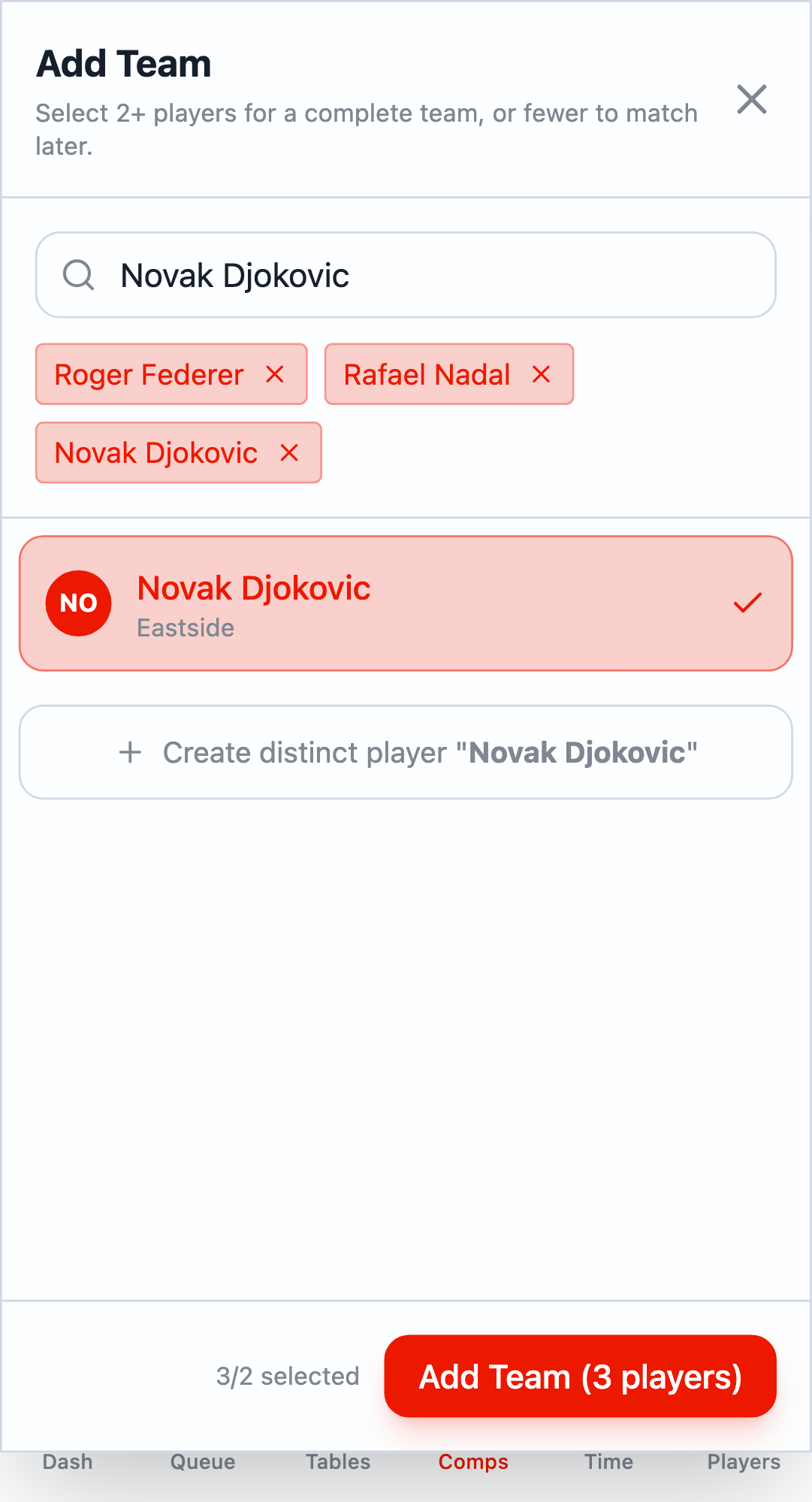
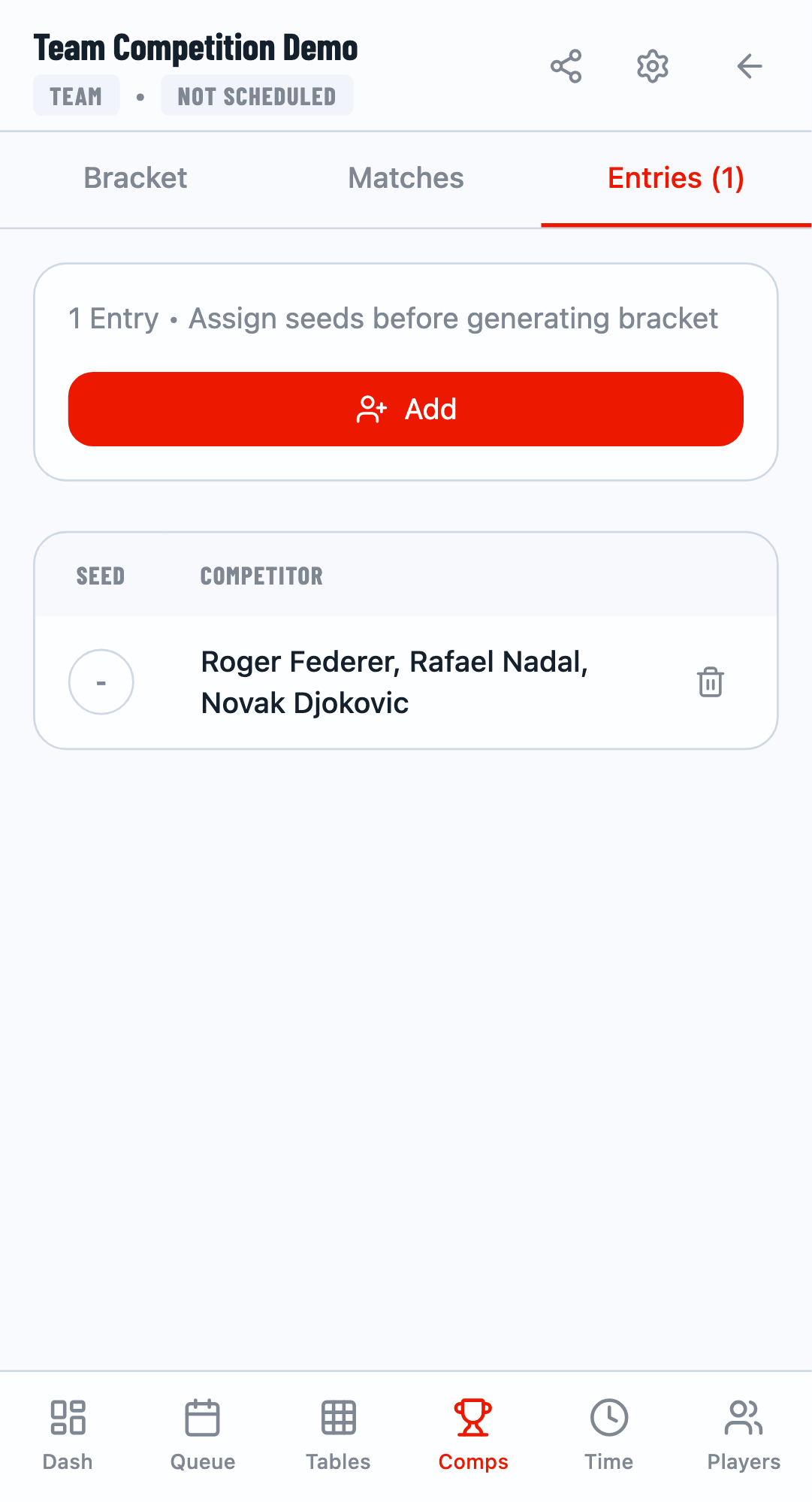
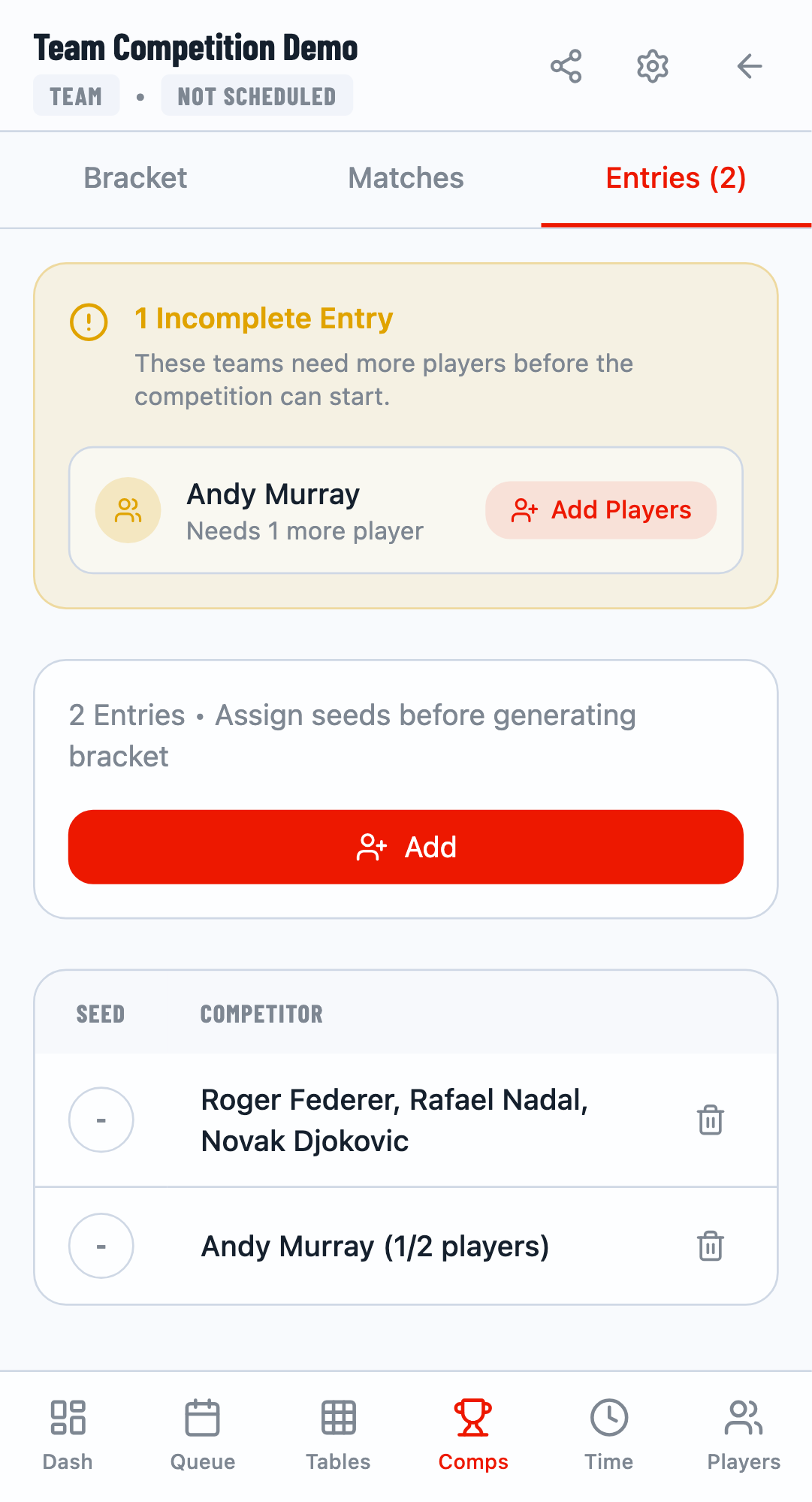
When creating a team competition, you can add multiple players to form a team. The minimum team size defaults to 2 players. You can:
- Add a complete team by selecting all required players at once
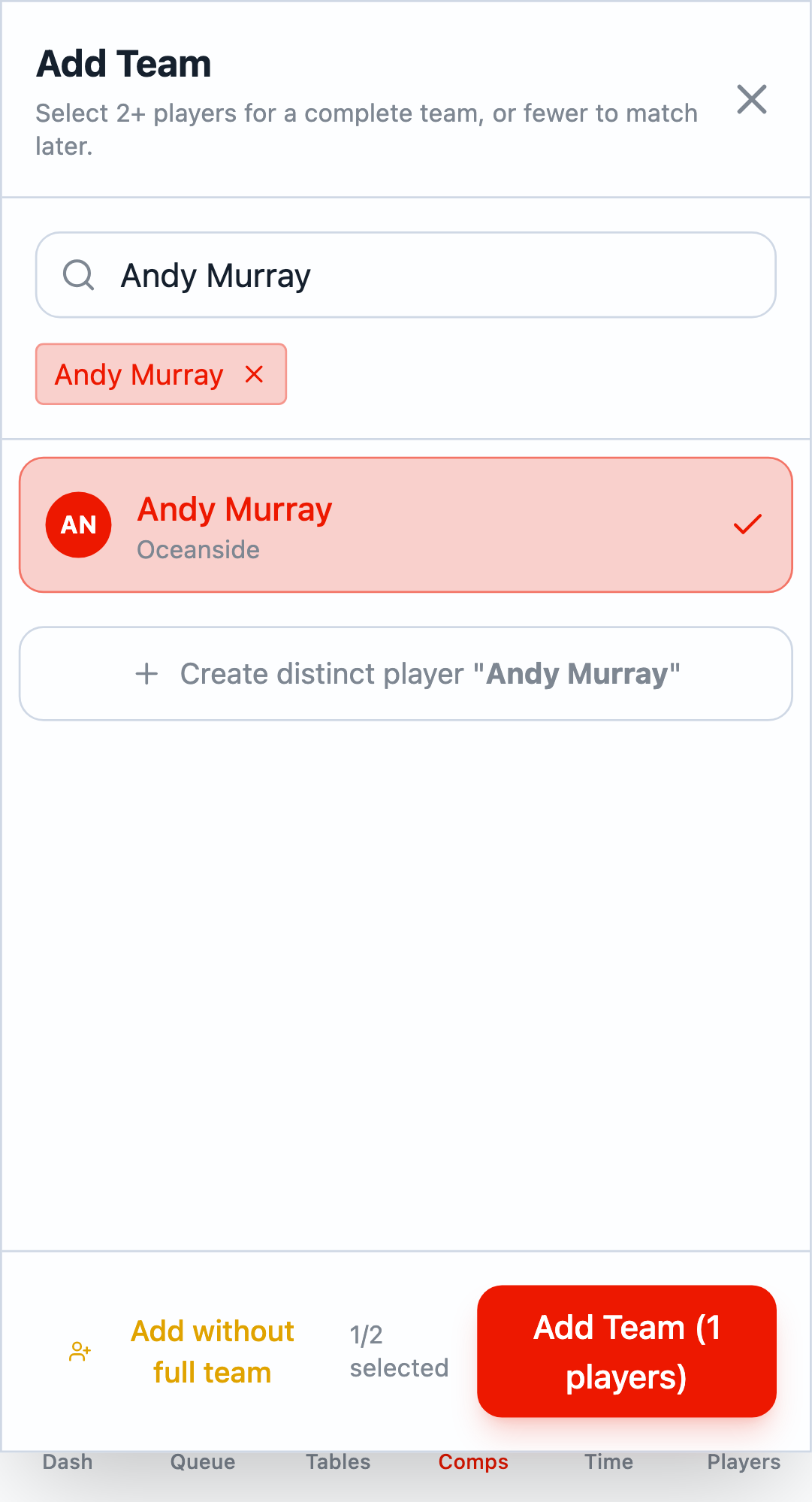
- Add an incomplete team by selecting fewer players and clicking Add without full team
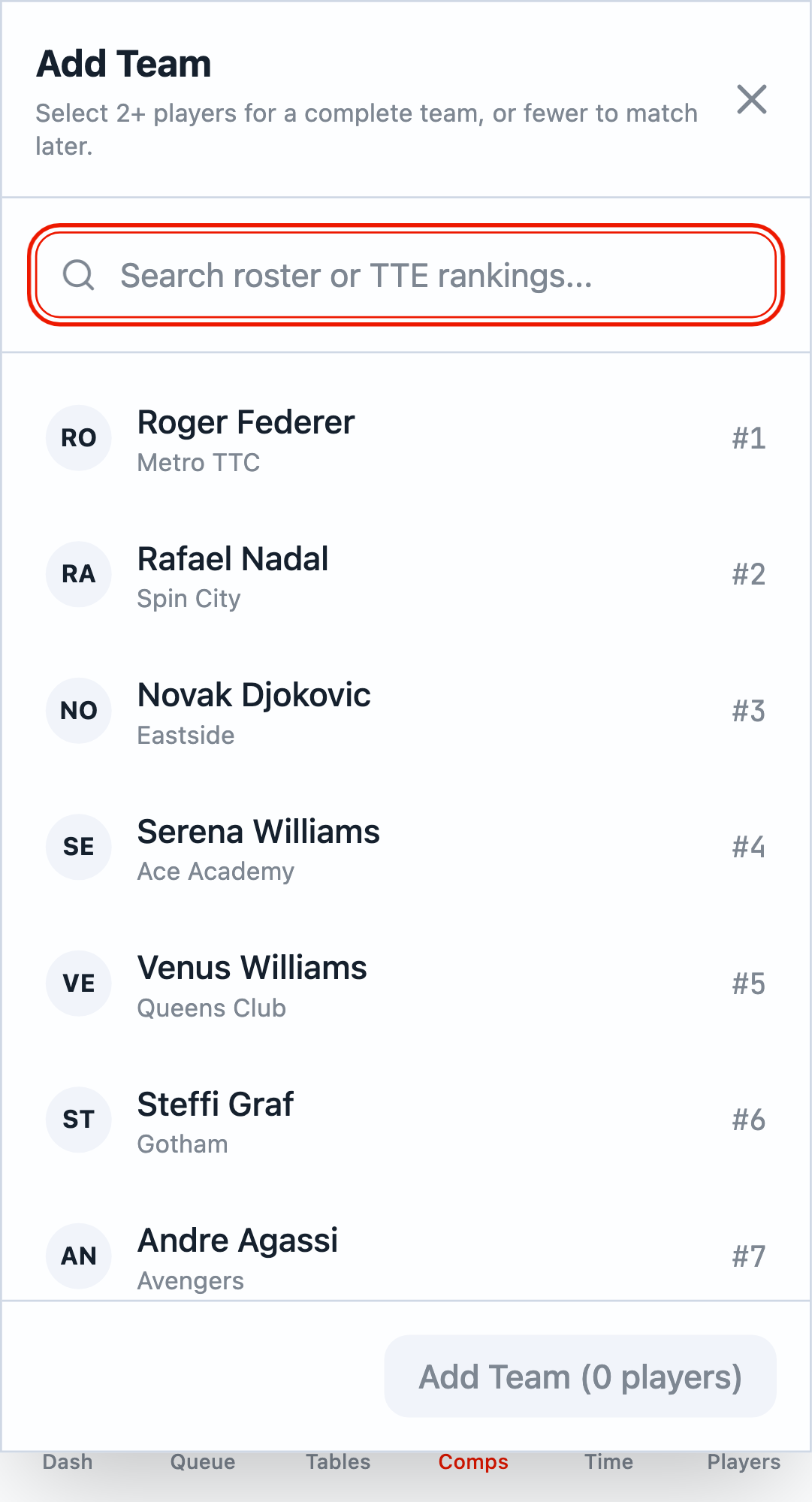
Incomplete Teams
Just like doubles, you can add incomplete teams. Select fewer than the required players and click Add without full team to create a pending entry.
Auto-Balancing Teams
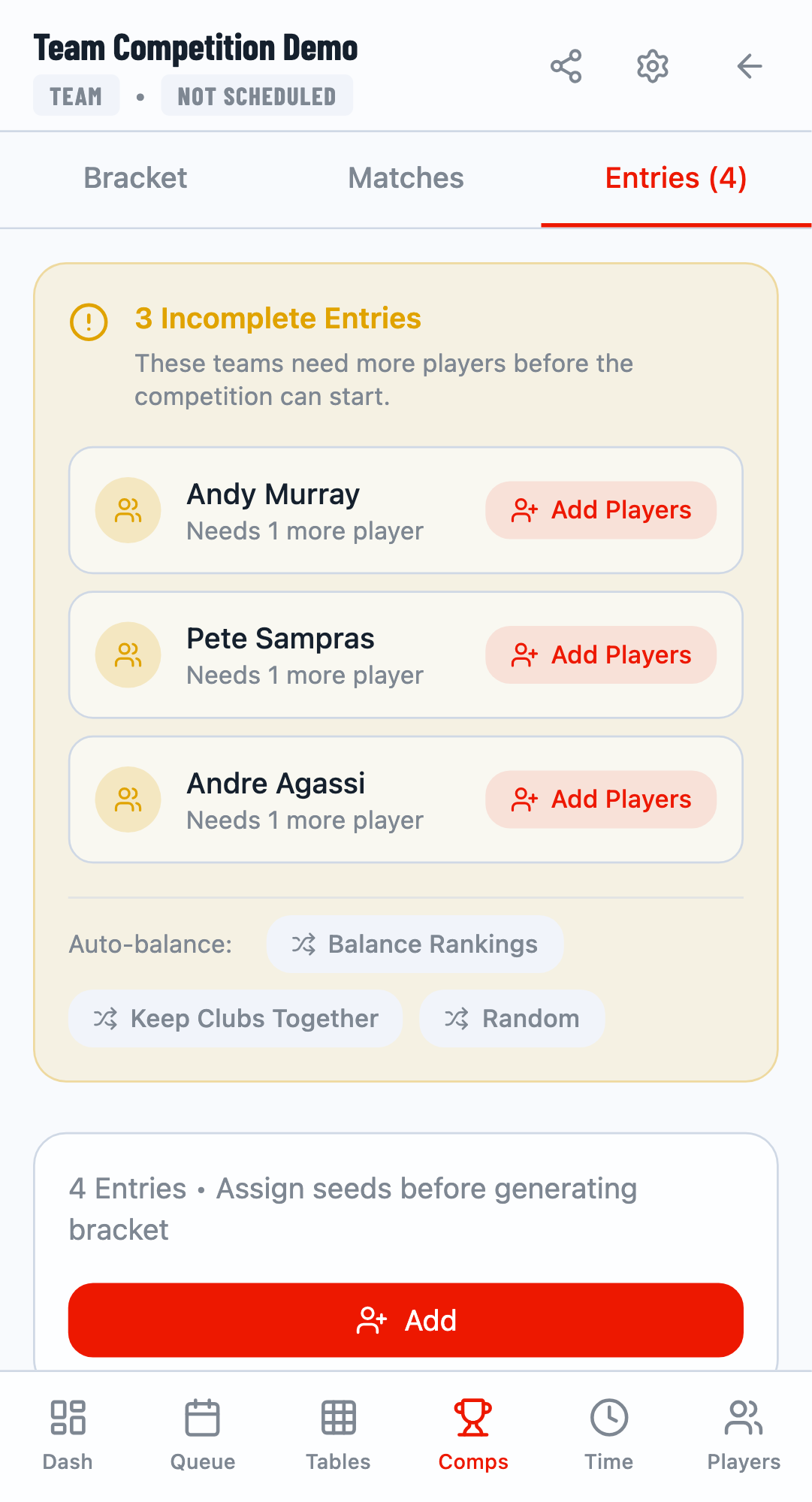
For teams, the auto-matching options are replaced with Auto-balance strategies:
Balance Rankings
Distributes players across teams using snake draft to balance overall team strength.
Keep Clubs Together
Prioritizes keeping players from the same club on the same team.
Random
Randomly distributes players across incomplete teams.
Manual Team Building
Use the Add Players button on individual incomplete teams to manually add teammates. This opens a modal where you can search and select players to add to the team.
Snake Draft Balancing
When using "Balance Rankings", the system uses a snake draft algorithm. The highest-ranked unassigned player goes to the team with the lowest total ranking points, ensuring competitive balance across all teams.
Tips for Partner Matching
📊 Use Rankings
Set player rankings before matching to create more balanced pairs with the "By Ranking" strategy.
🏢 Club Information
Fill in club information for players to enable club-based matching.
Related Guides
- Player Management - Add and organize players
- Draw Generation - Create tournament brackets