Sync Modes
Understand offline and online tournament modes, and when to use each
TourneyPilot supports both offline (local-only) and online (cloud-synced) tournament modes. Understanding when to use each mode helps you manage your tournaments effectively.
Offline Mode (Default)
All new tournaments start in offline mode. Data is stored only in your browser's local storage. This is perfect for:
- Quick setup tournaments without account login
- Private events where you don't need cloud backup
- Testing and practice sessions
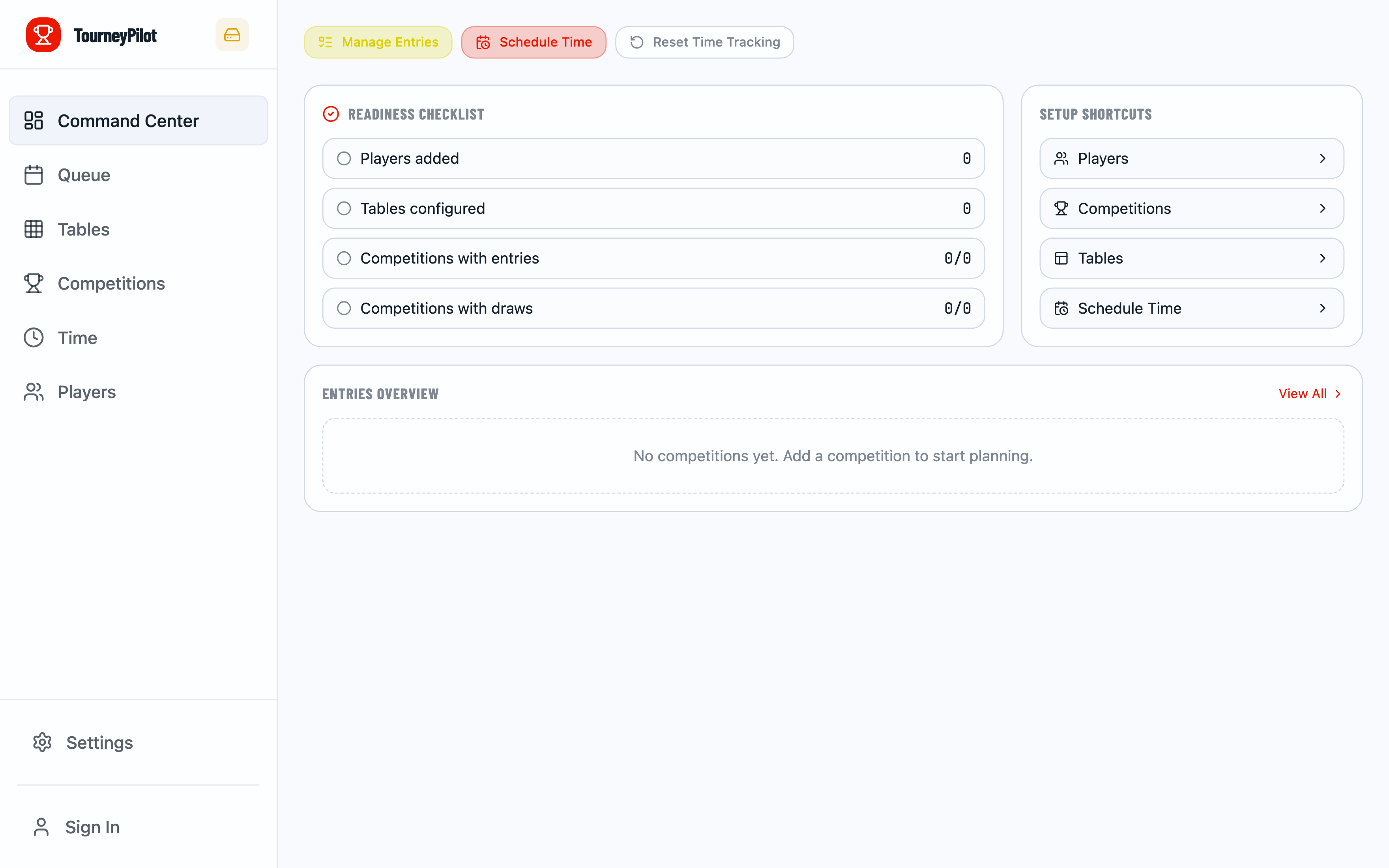
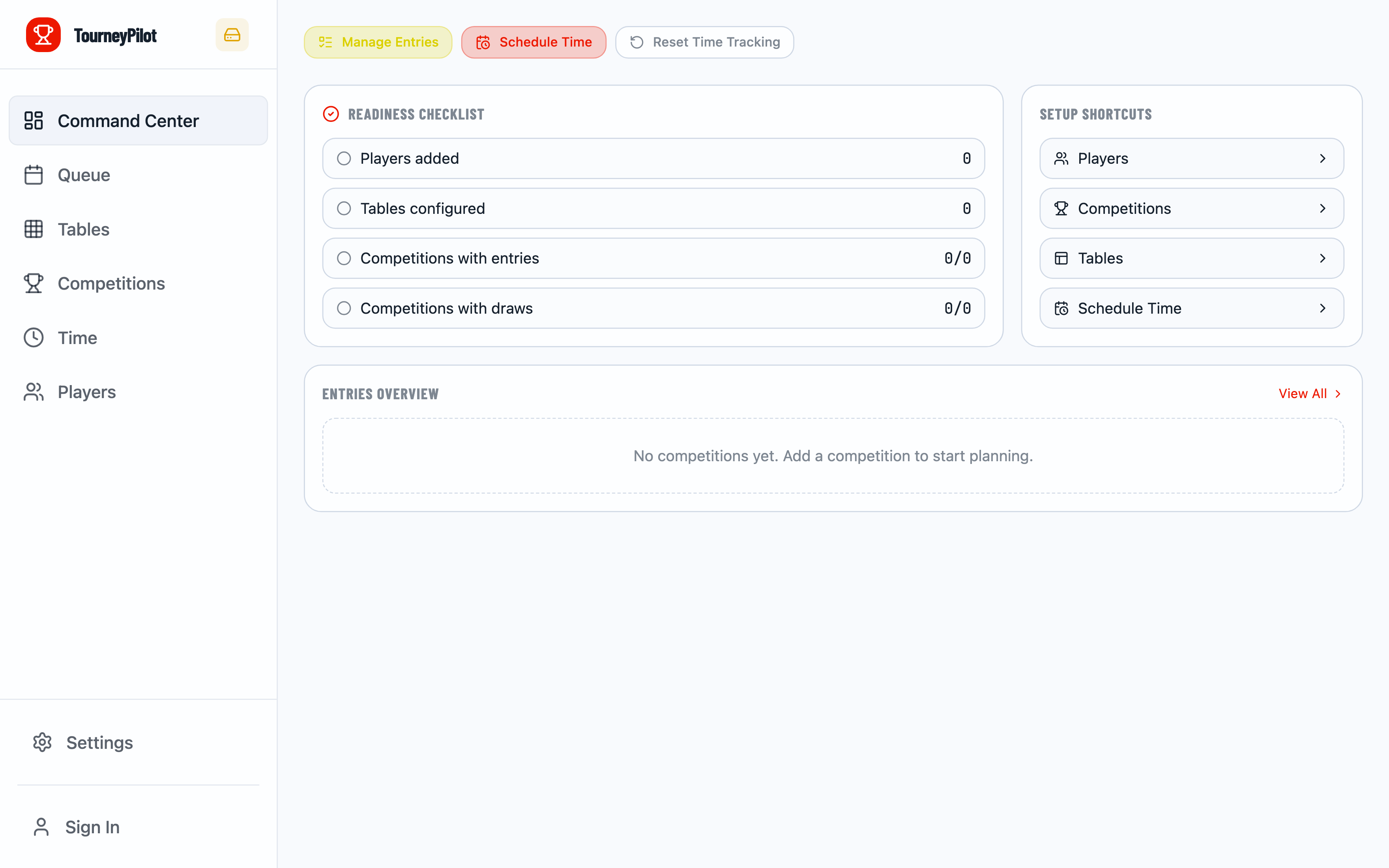
Offline Indicator
Look for the sync mode indicator in the sidebar (desktop) or header (mobile). When offline, it shows an "offline" status. Click it to see sync options.
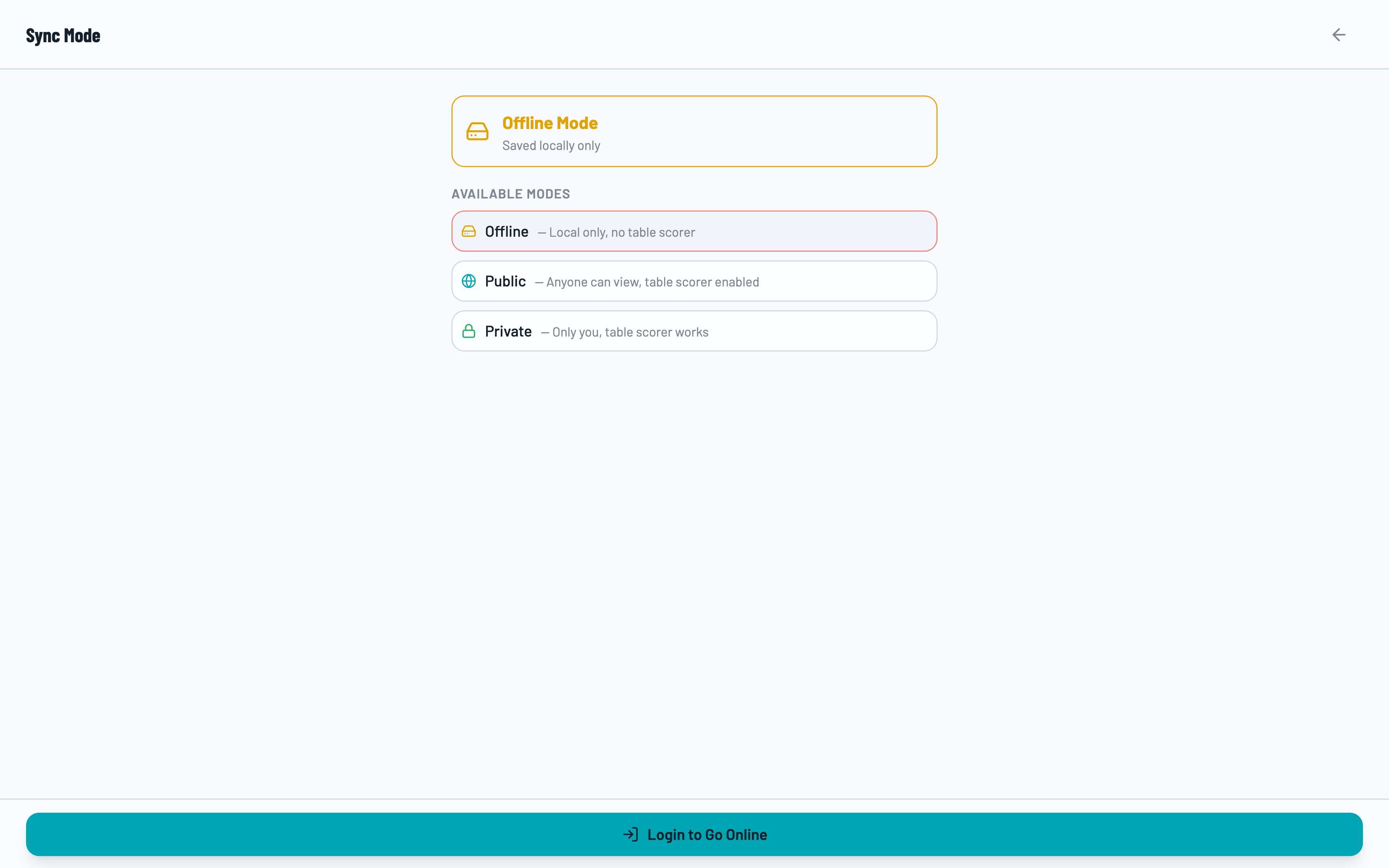
Sync Mode Overlay
Click the sync indicator to open the sync mode overlay. This shows:
- Local Only - Data stays on your device
- Anyone can view - Public online tournaments
- Only you can edit - Private online tournaments
Going Online
To sync your tournament to the cloud, you need to be logged in. Once logged in:
🌐 Public Mode
Anyone with the link can view the tournament. Great for sharing results with participants and spectators.
🔒 Private Mode
Only you can view and edit. Perfect for sensitive tournaments or when you want full control.
Steps to Go Online
- Log in to your TourneyPilot account
- Click the sync mode indicator
- Toggle "Keep Private" if you want a private tournament
- Click "Go Online" (or "Go Online (Private)")
Switching Between Modes
You can switch between modes at any time:
- Public ↔ Private - Toggle visibility while staying online
- Online → Offline - Removes cloud copy, keeps local data
- Offline → Online - Uploads local data to cloud
Going Offline Deletes Cloud Data
When you switch from online to offline mode, the cloud copy is deleted. Your local data remains, but other viewers will lose access.
Benefits of Online Mode
☁️ Cloud Backup
Never lose your tournament data with automatic cloud sync.
📱 Multi-Device
Access your tournament from any device by logging in.
👥 Sharing
Share live results with players and spectators via link.
Related Guides
- Getting Started - Basic tournament setup
- Multi-Mode Workflow - Owner, Viewer, and Scorer modes