Viewing Results
Check final standings, podiums, and detailed player performance statistics
After your tournament concludes, TourneyPilot provides comprehensive results viewing. See competition winners, player performance statistics, and detailed match history.
Tournament Completed Dashboard
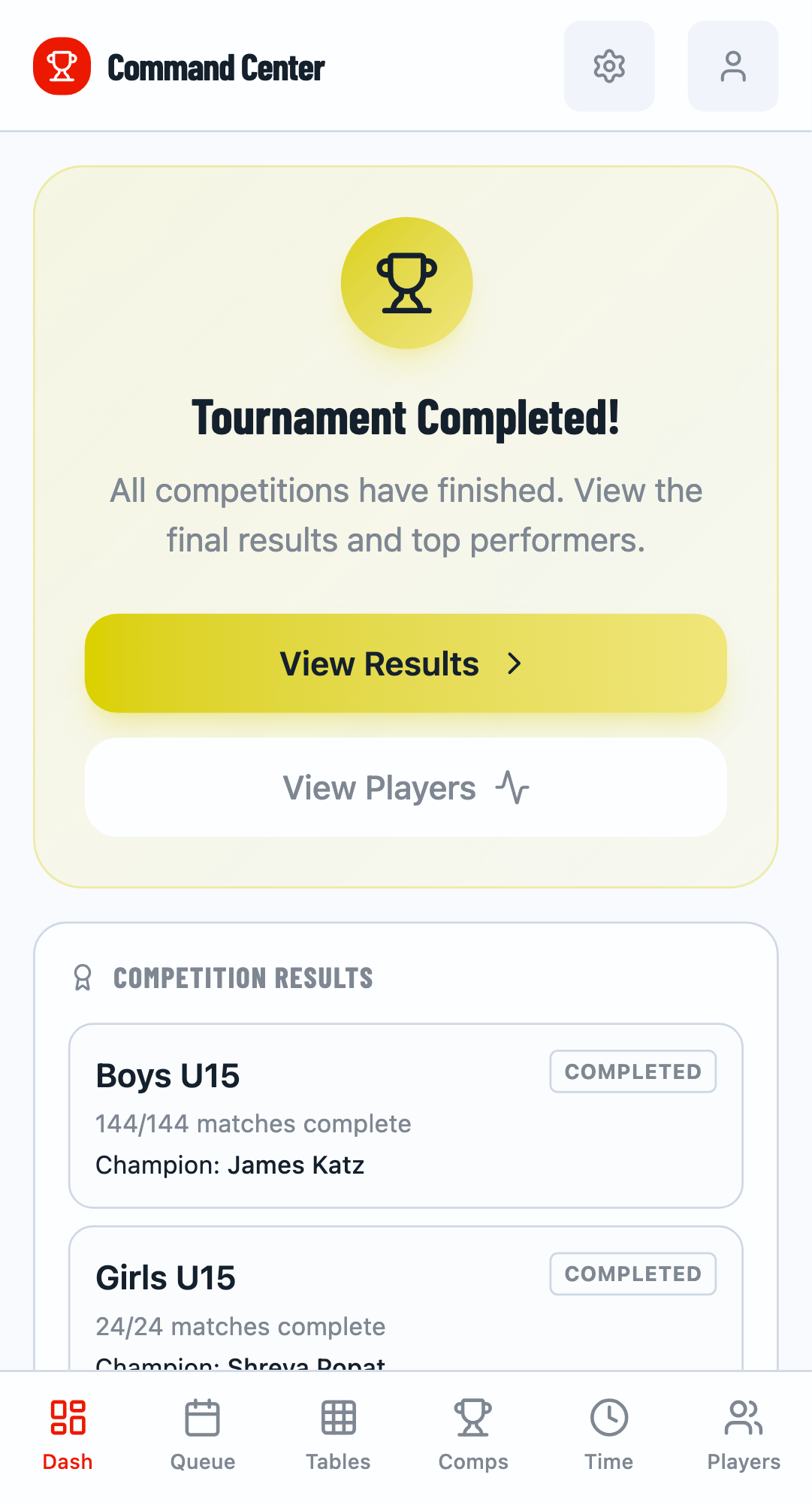
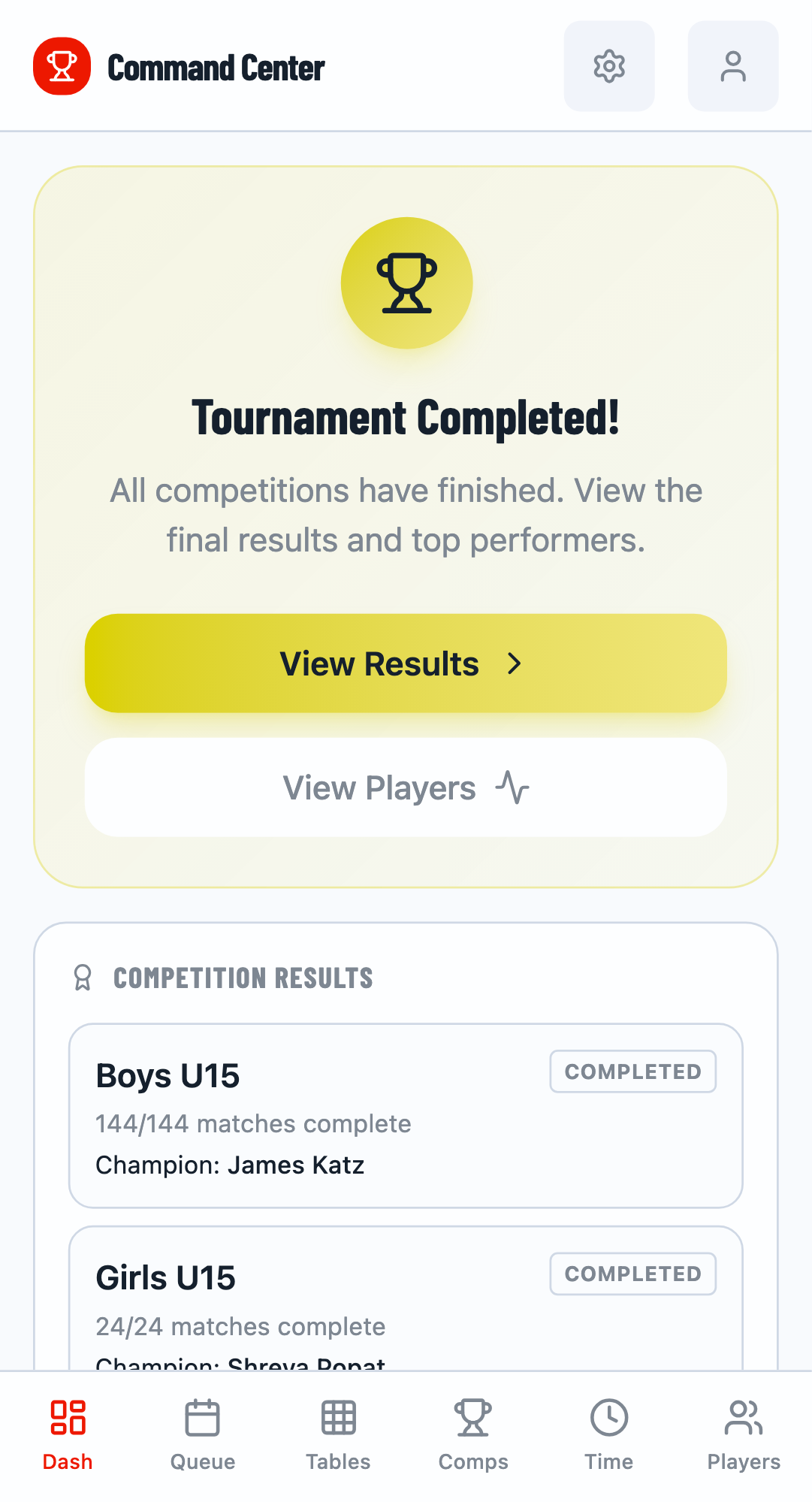
When all competitions finish, the dashboard shows a "Tournament Completed!" banner with a summary of results and top performers.
Results Summary
The post-tournament dashboard displays:
- Results Summary - Quick overview of each competition's winner
- Top Performers - Players with best win rates and match statistics
View Full Results
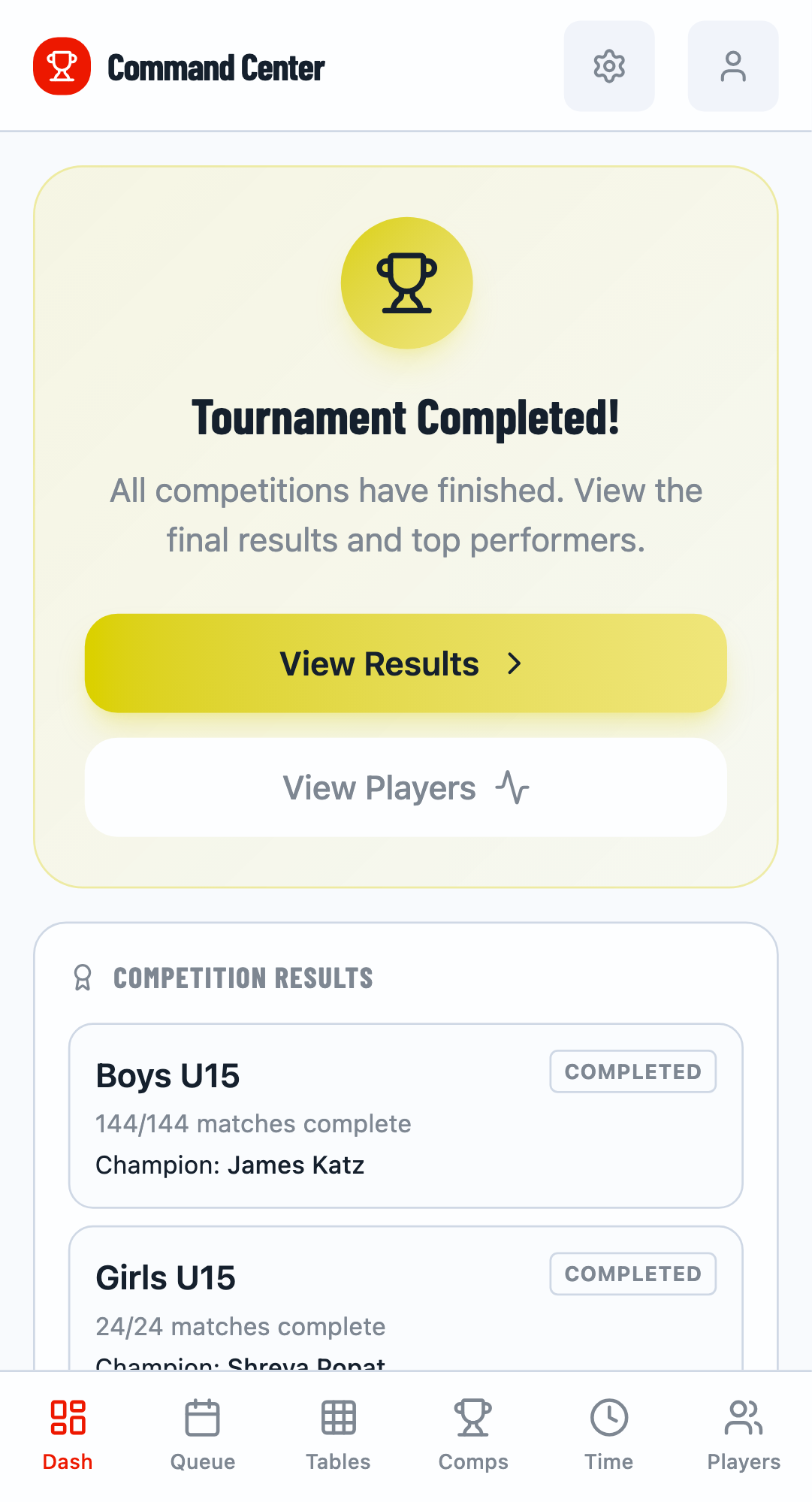
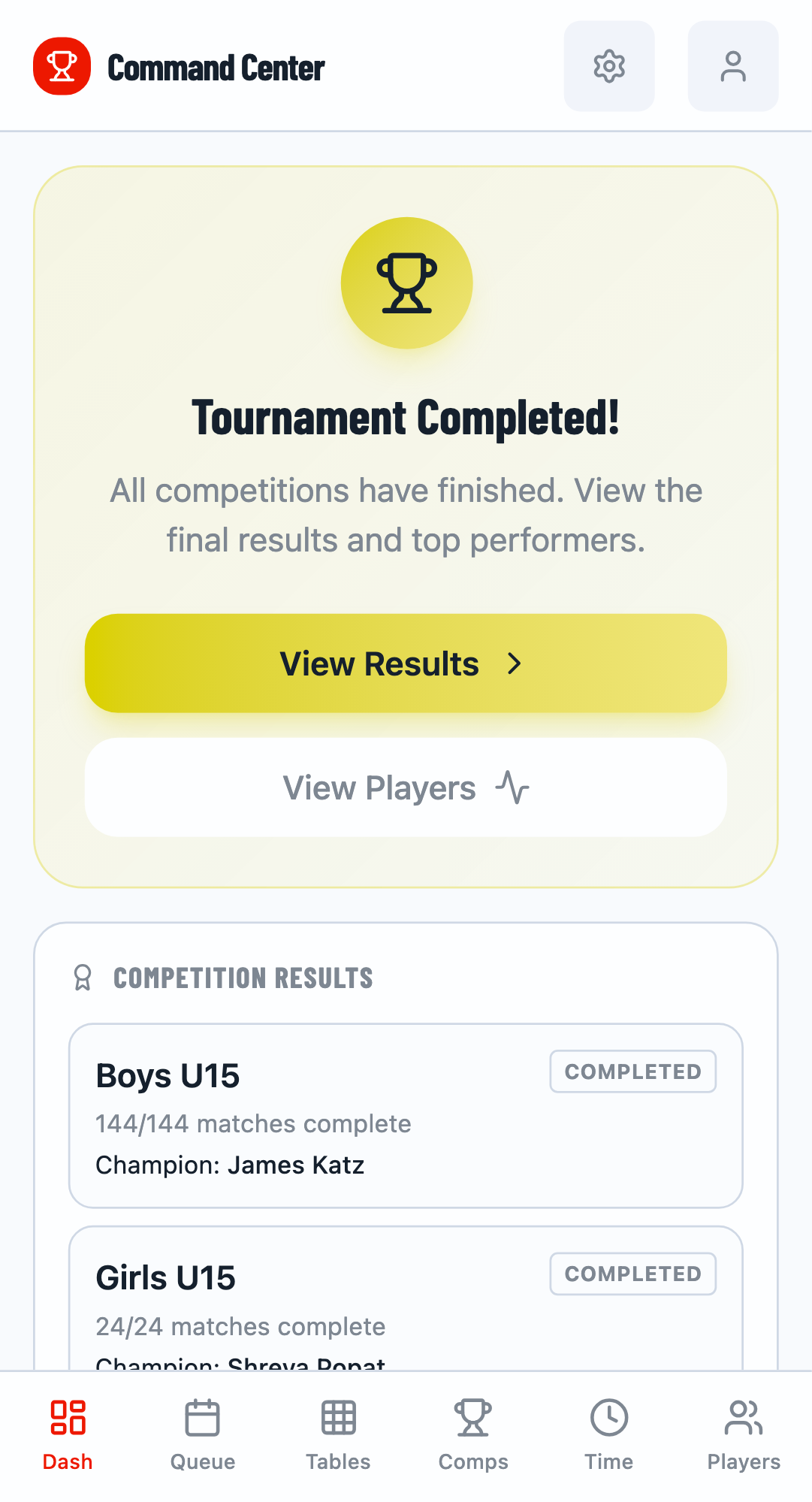
Click View Results to see the complete results page with all competitions and detailed player rankings.
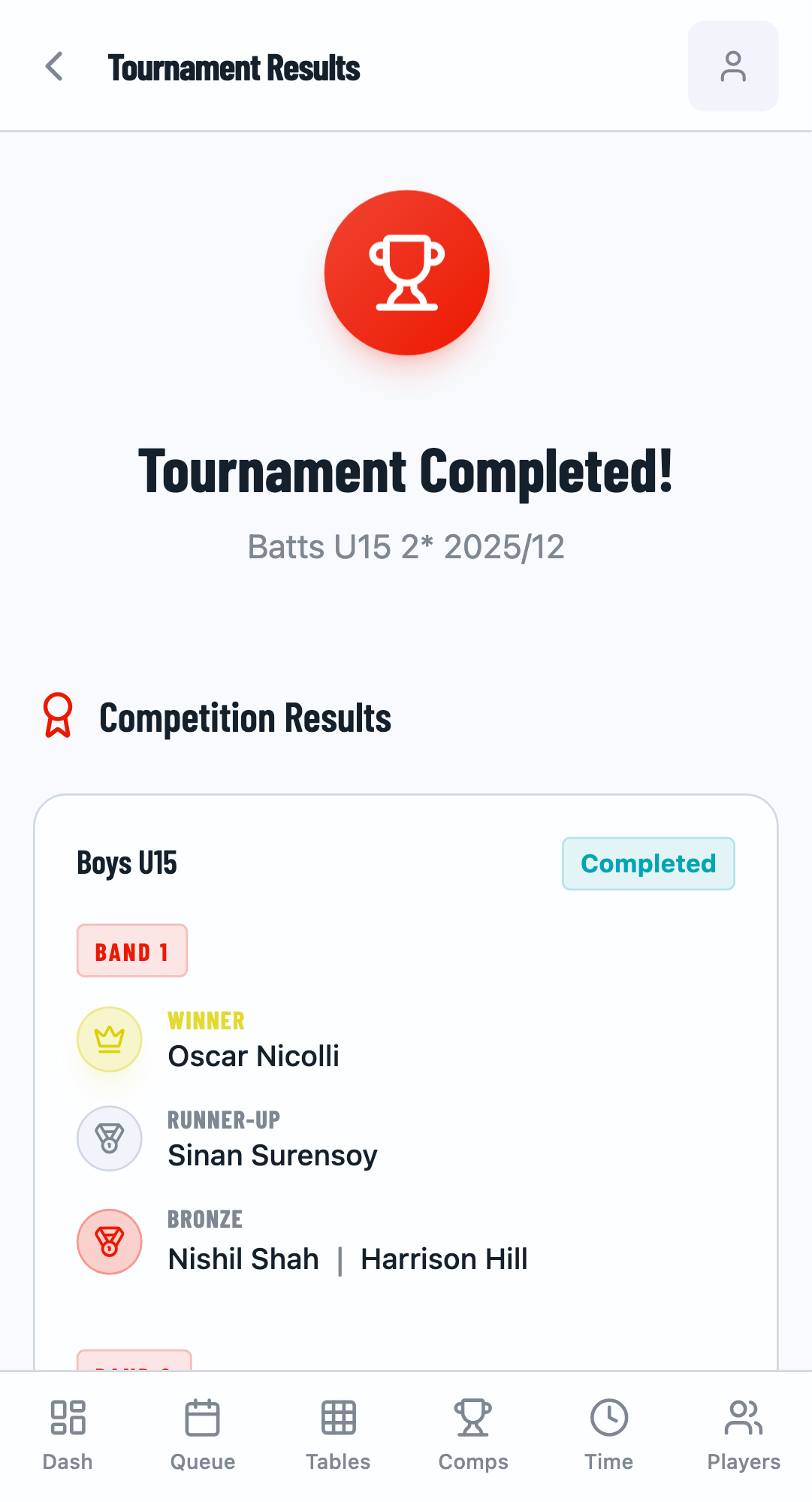
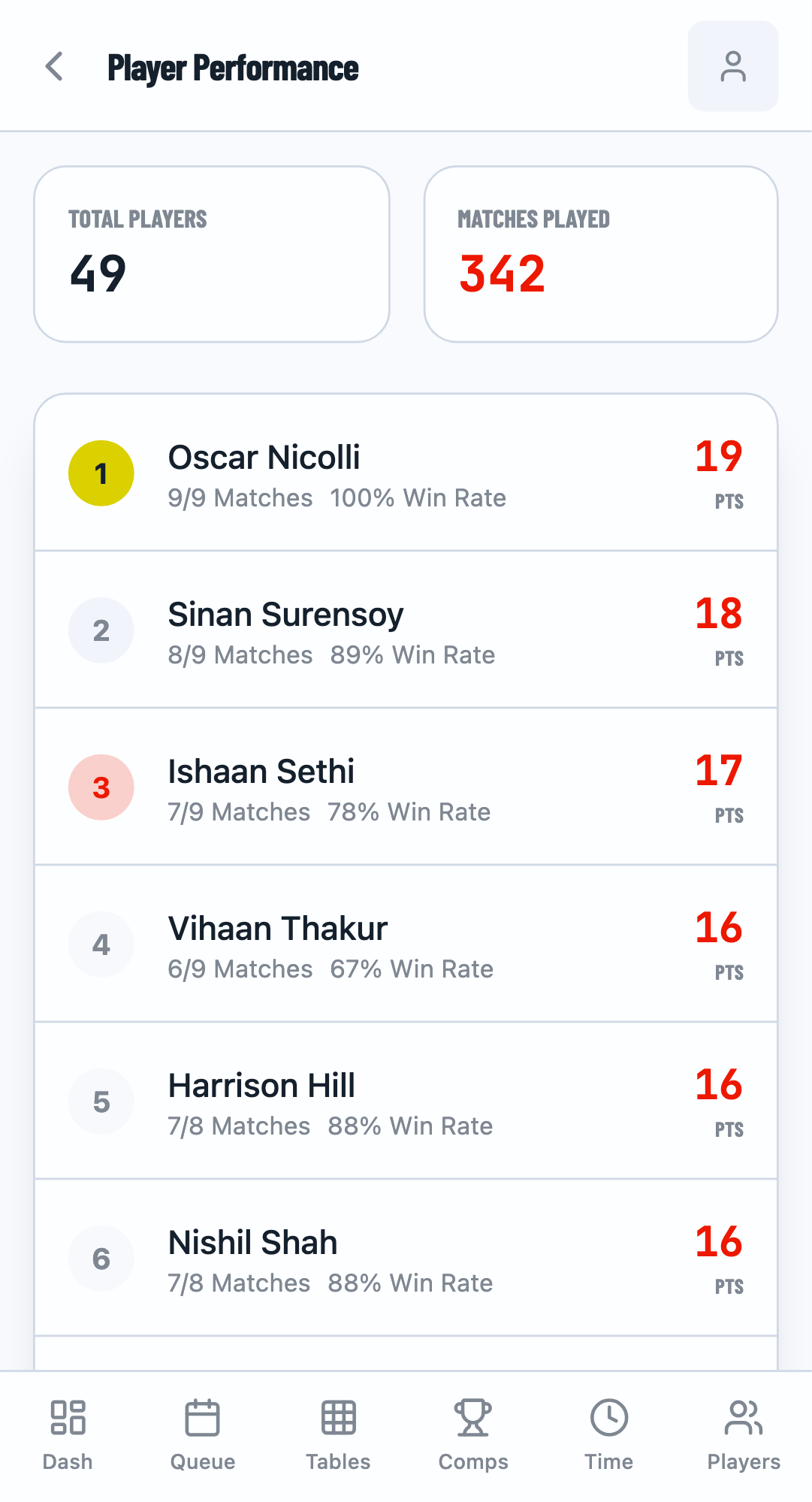
All Performers
Click "View All" to see complete player rankings sorted by performance metrics:
- Matches played
- Win rate percentage
- Total points scored
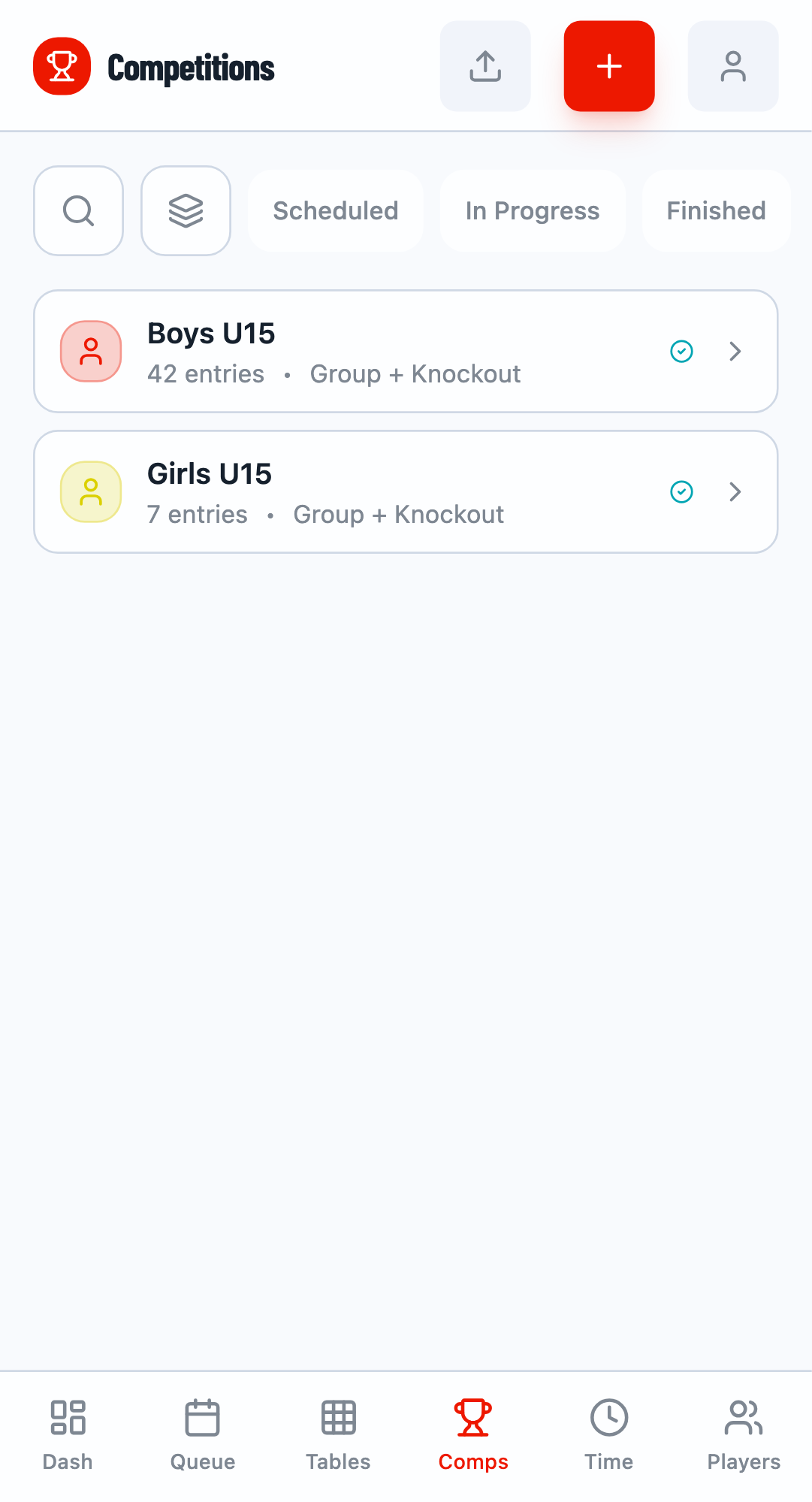
Competition Results
Navigate to the Competitions tab to see final standings for each event.
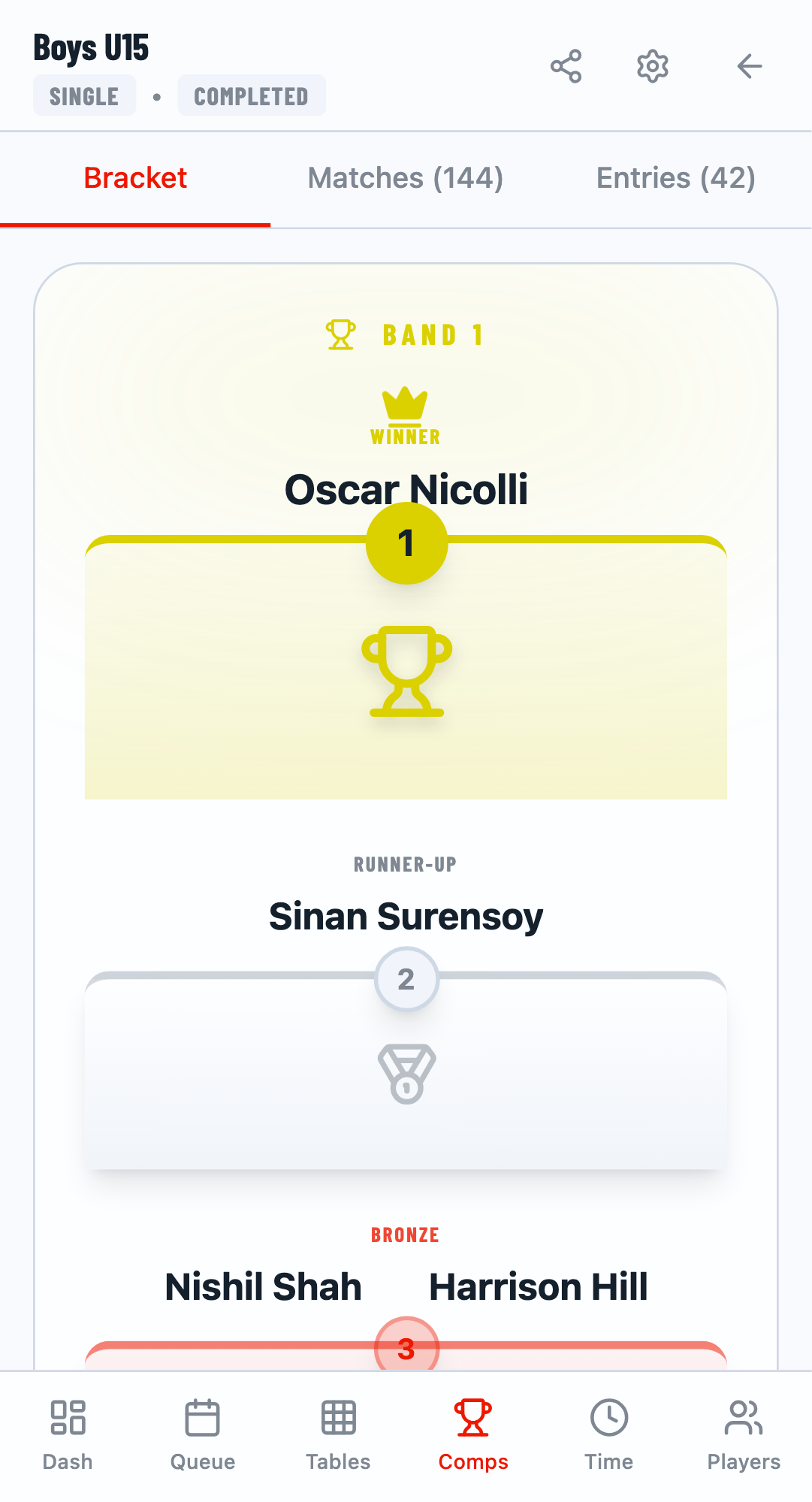
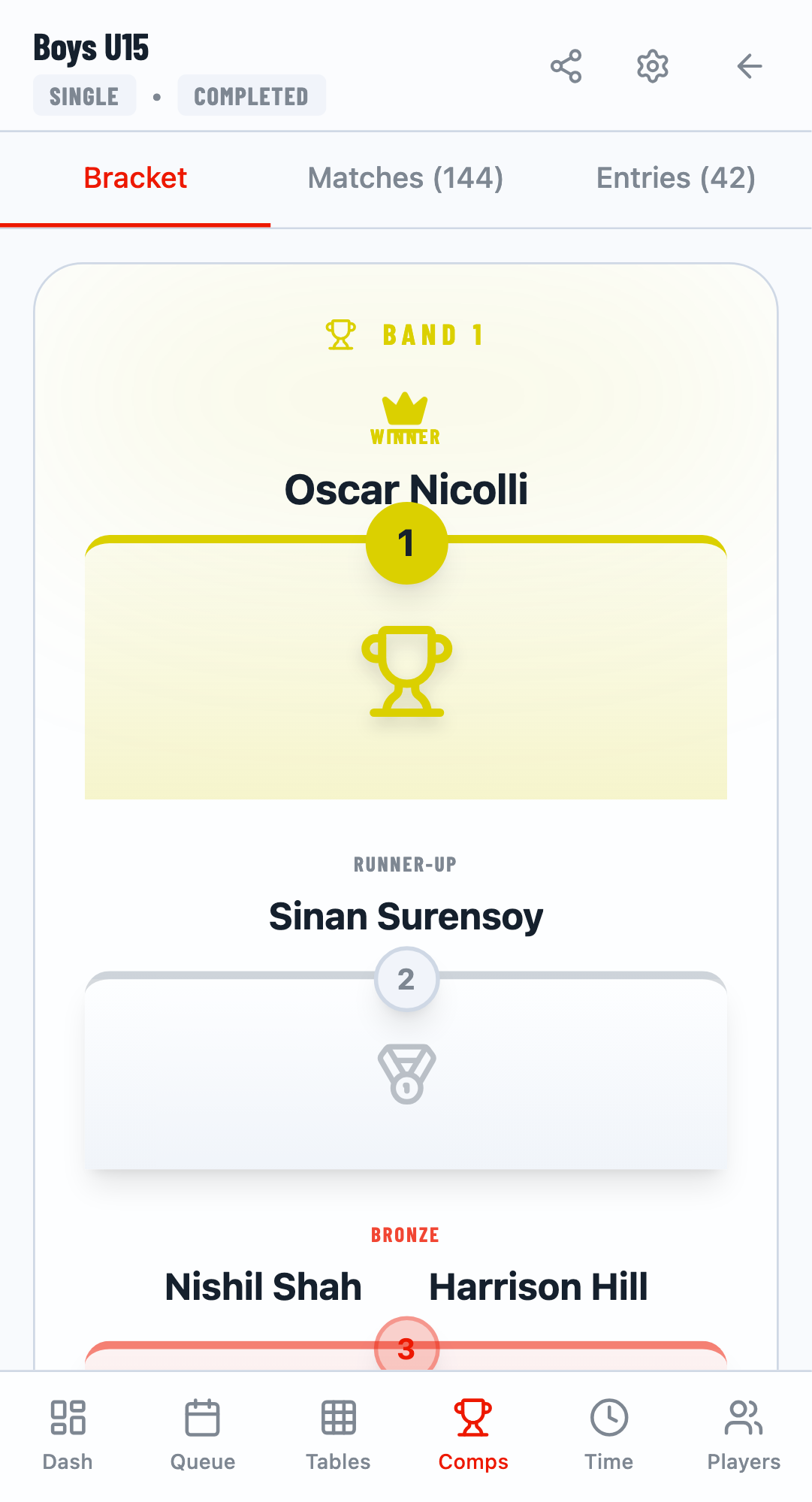
Winner and Runner-up
Click on any competition to see the complete bracket and final results, including the winner, runner-up, and semi-finalists.
Player Statistics
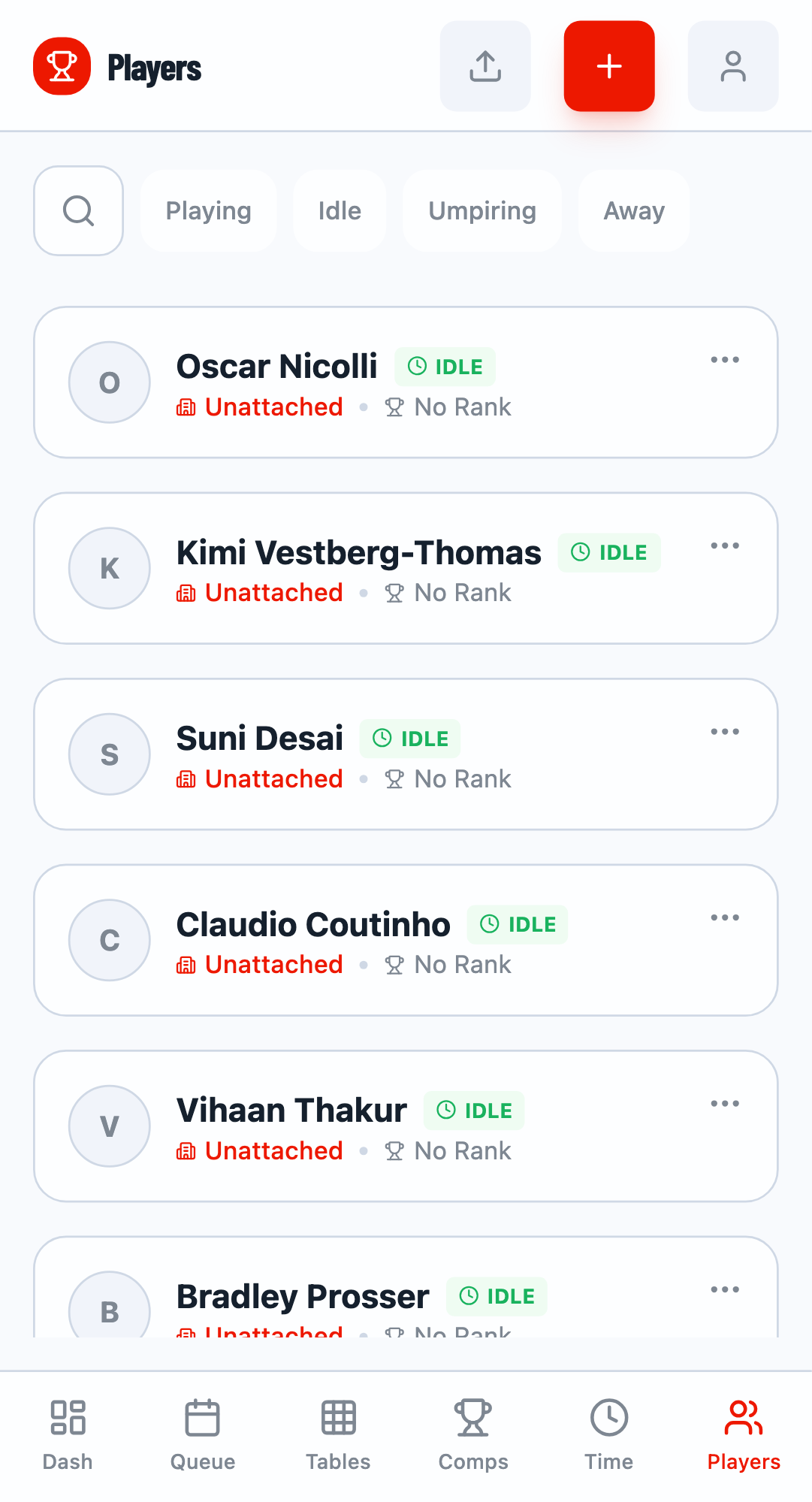
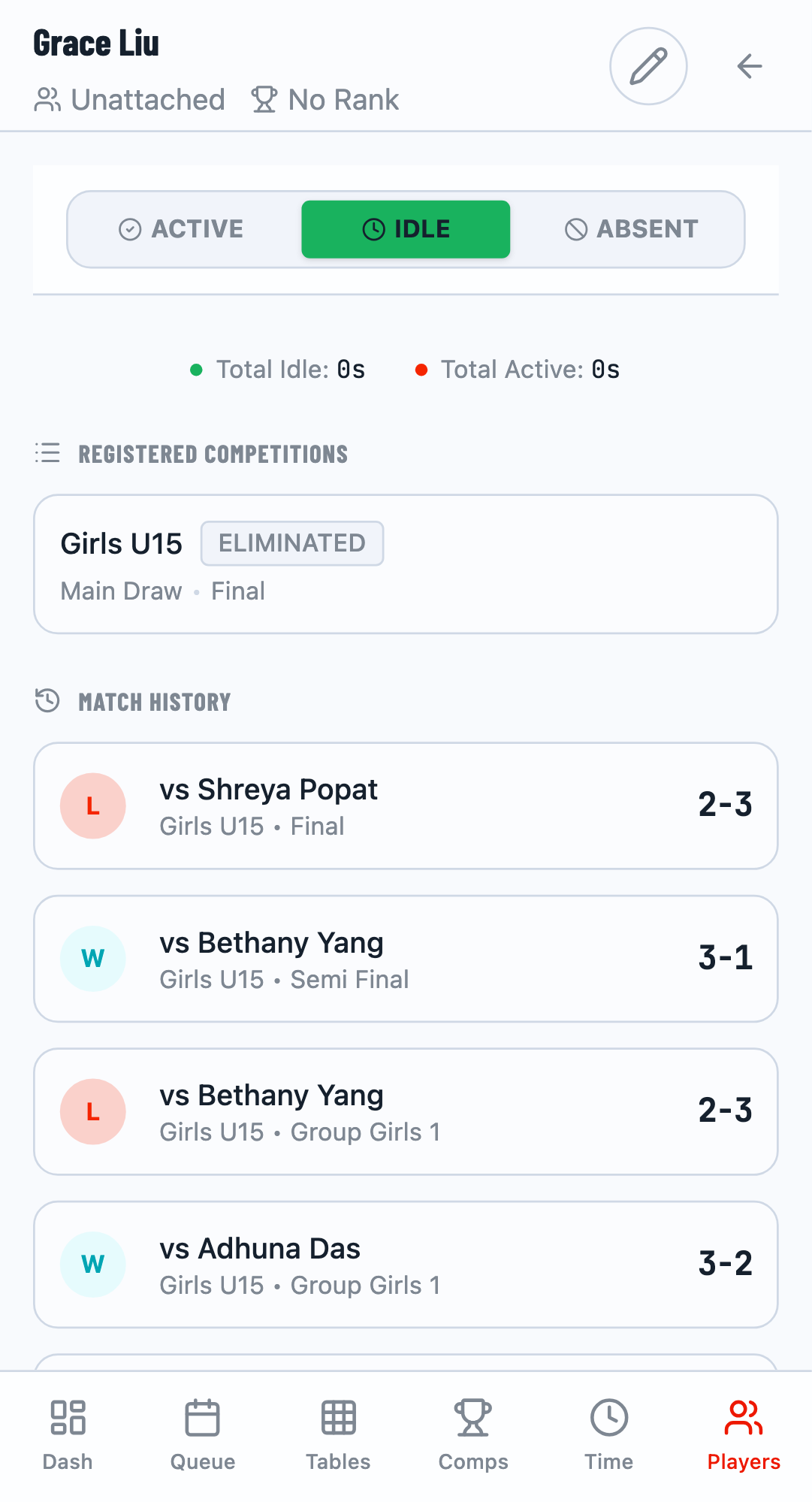
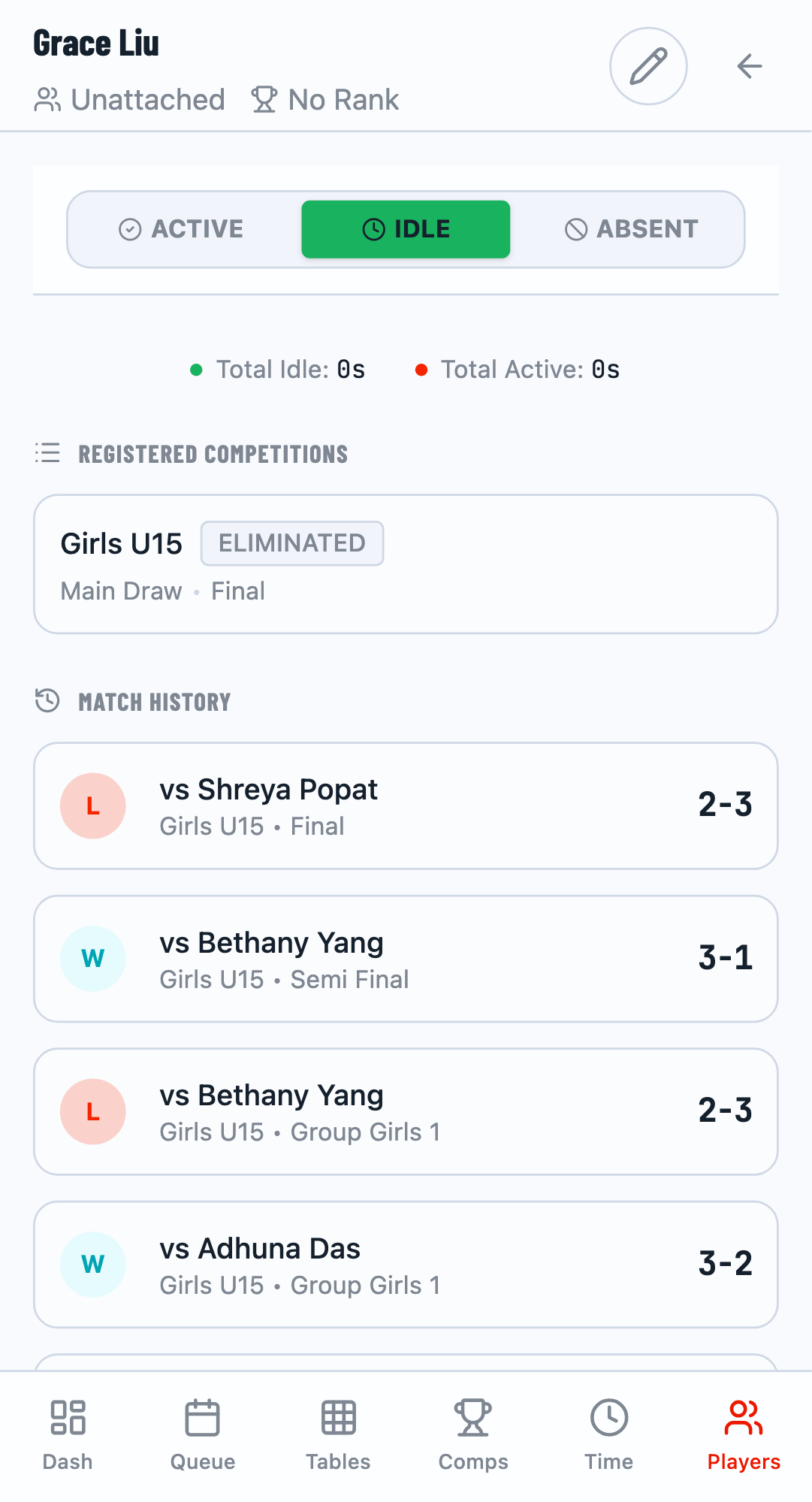
The Players tab shows individual player performance. Click on any player to see:
- Status - Active, Eliminated, or Winner
- Match History - All matches with results
- Statistics - Wins, losses, win rate
Player Status
Each player's card shows their tournament status:
- WINNER - Won their competition
- ACTIVE - Still competing
- ELIMINATED - Knocked out
Match History
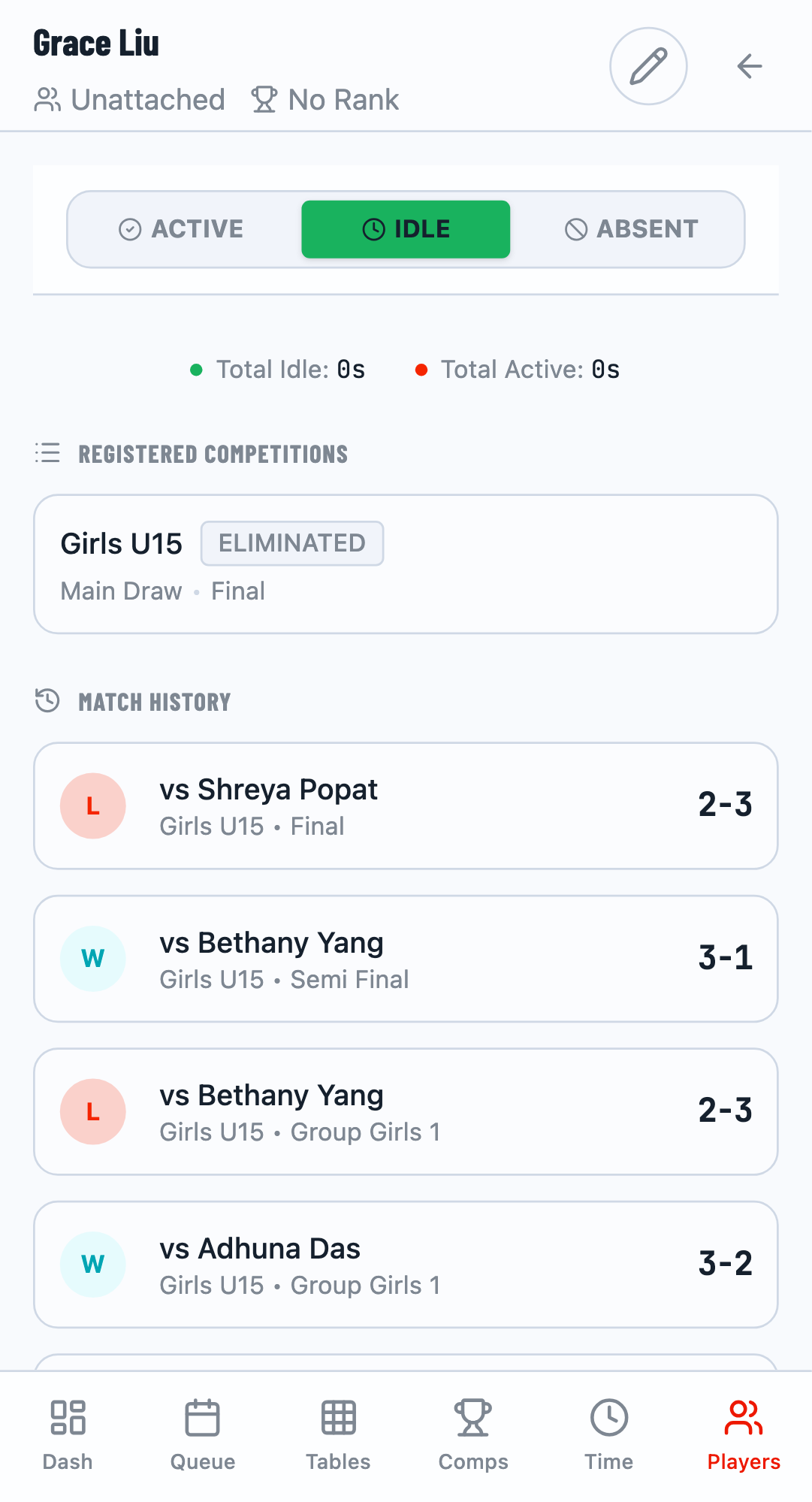
The player detail view shows all matches with:
- Opponent name
- Match result (Won/Lost)
- Final score
Performance Metrics
TourneyPilot automatically calculates win rates, points, and rankings based on match results. Use these statistics to identify top performers and track improvement over time.
Related Guides
- Getting Started - Basic tournament setup
- Match Scoring - How to record match results