Table Management
Add, block, and manage tables (courts) for your tournament
Tables represent the physical courts or pitches where matches are played. The Tables tab lets you add, organize, and control which tables are available for match assignment.
Table Overview
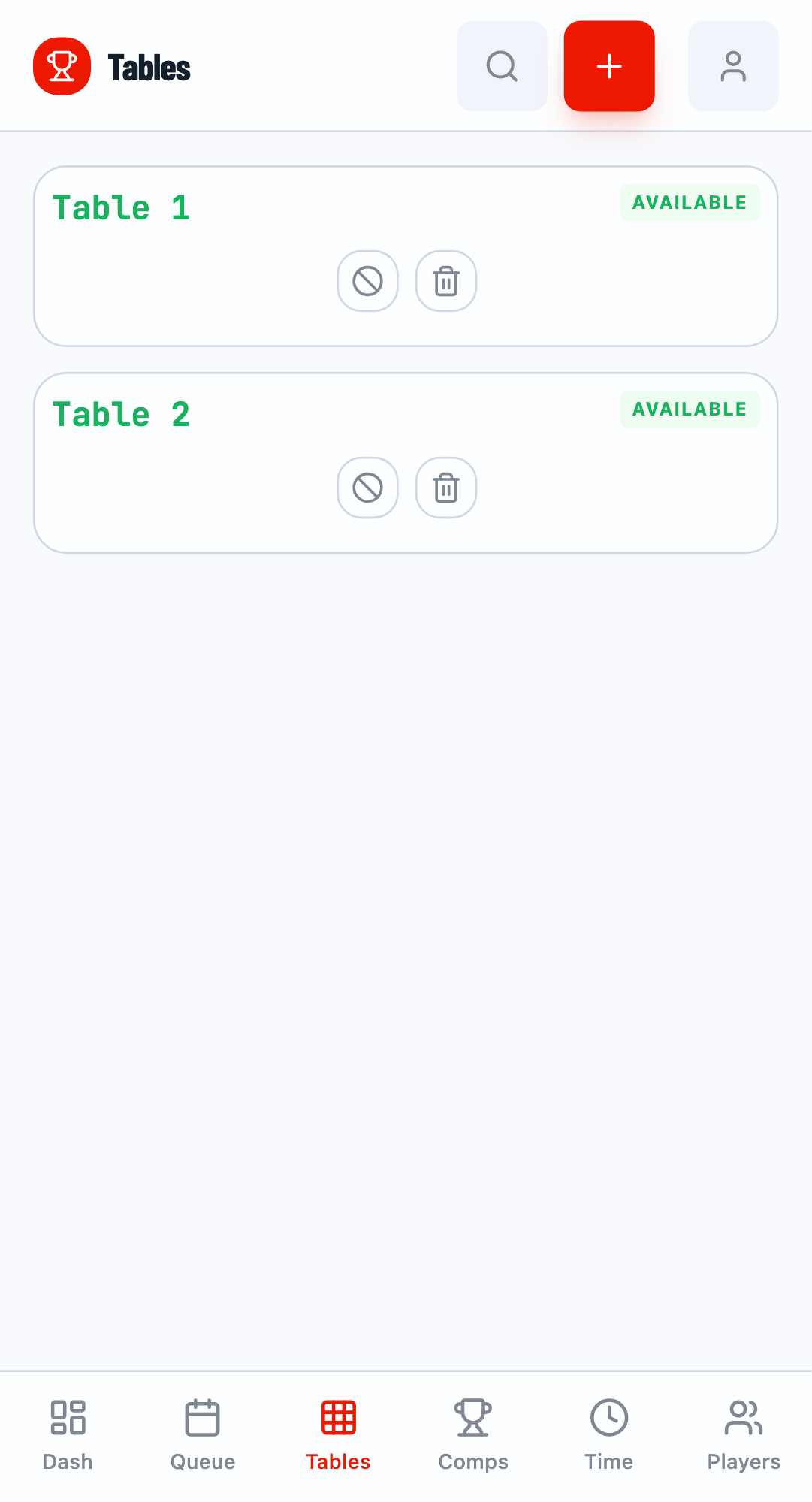
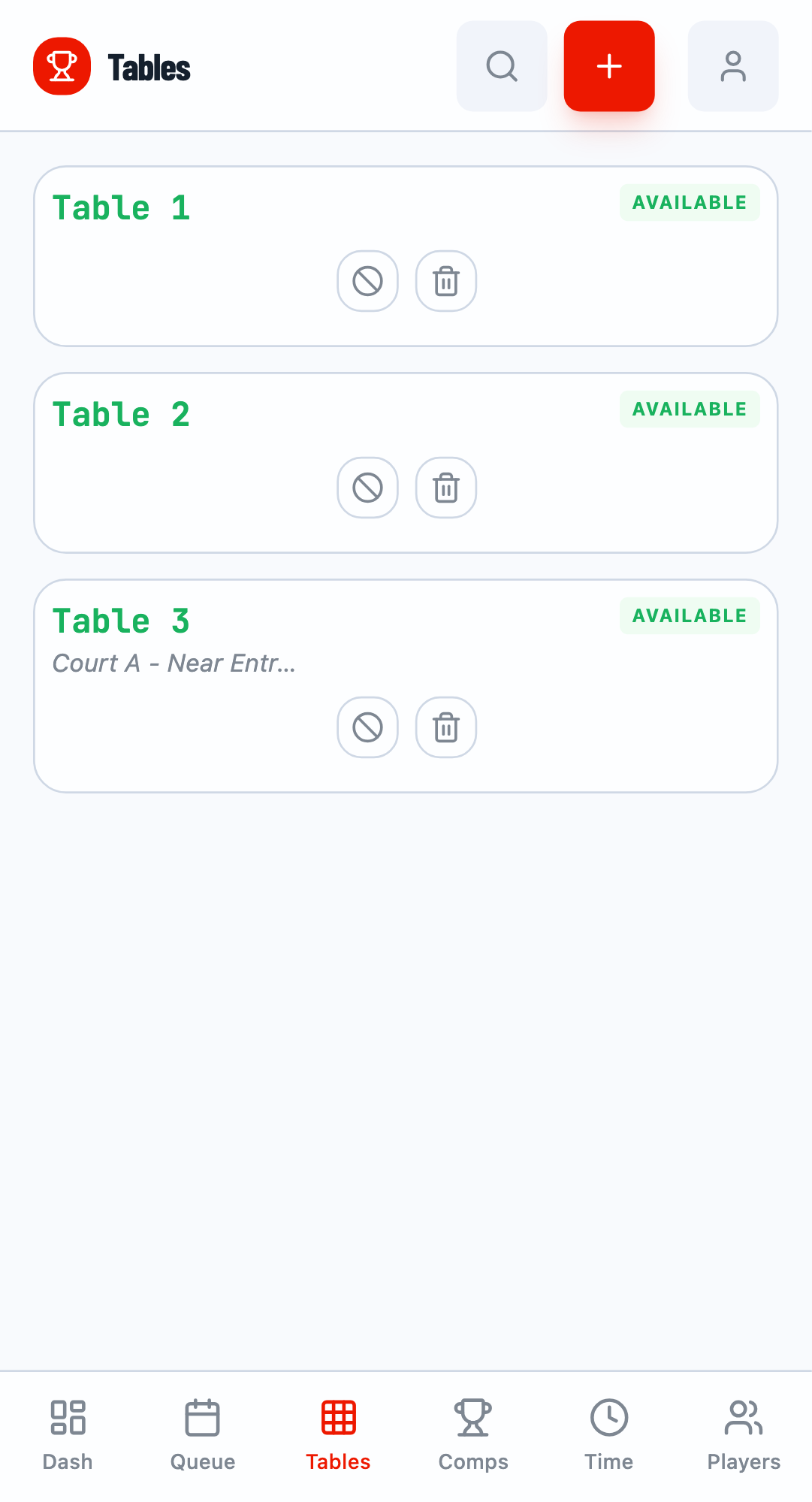
Navigate to the Tables tab to see all your tournament tables. Each table shows:
- Status - Available, Occupied, or Blocked
- Current Match - Which match is assigned (if occupied)
- Description - Location or notes about the table
Adding a Single Table
Click the + button to open the add table modal. Tables are automatically numbered (Table 1, Table 2, etc.) based on the highest existing number.
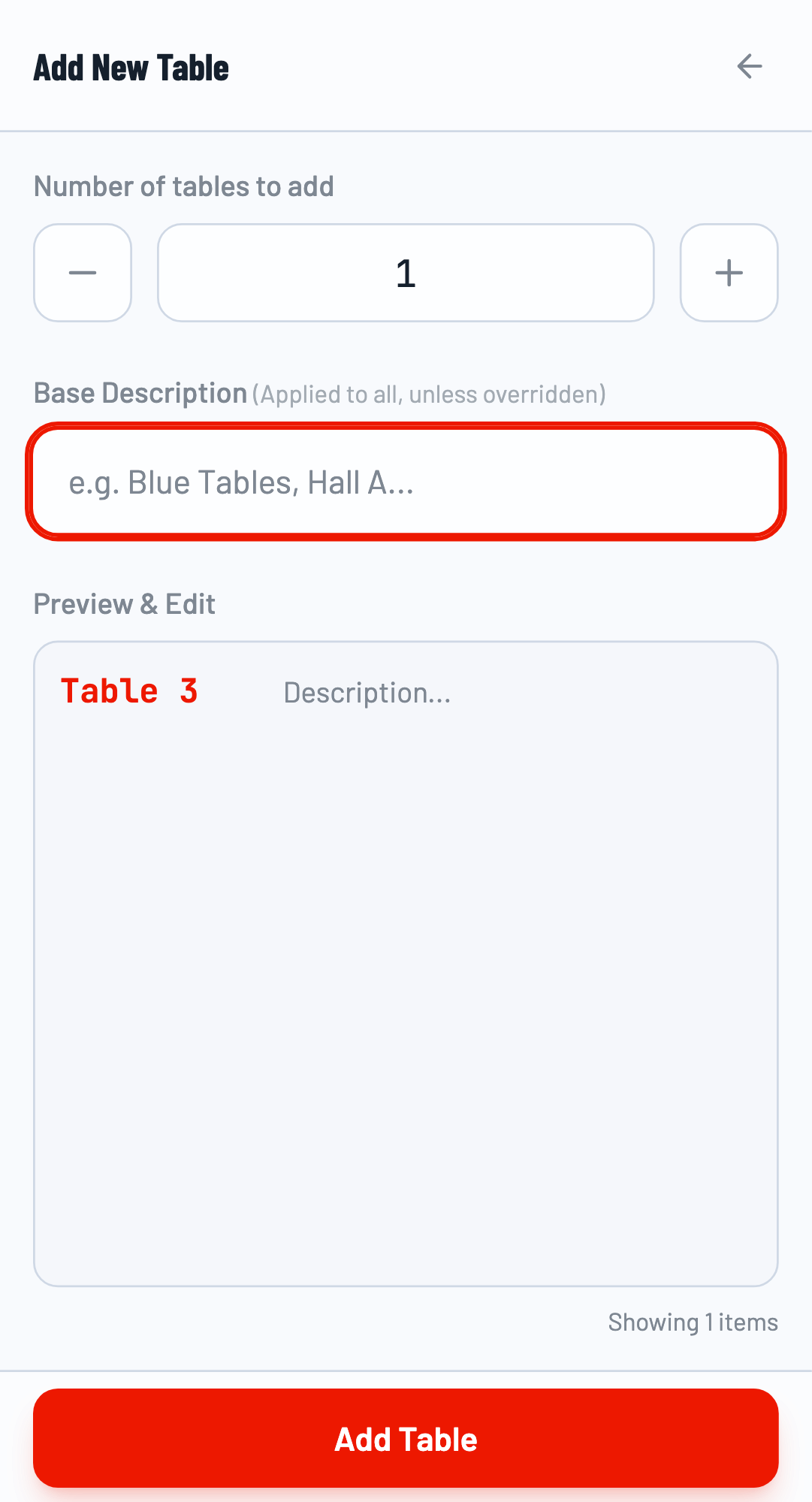
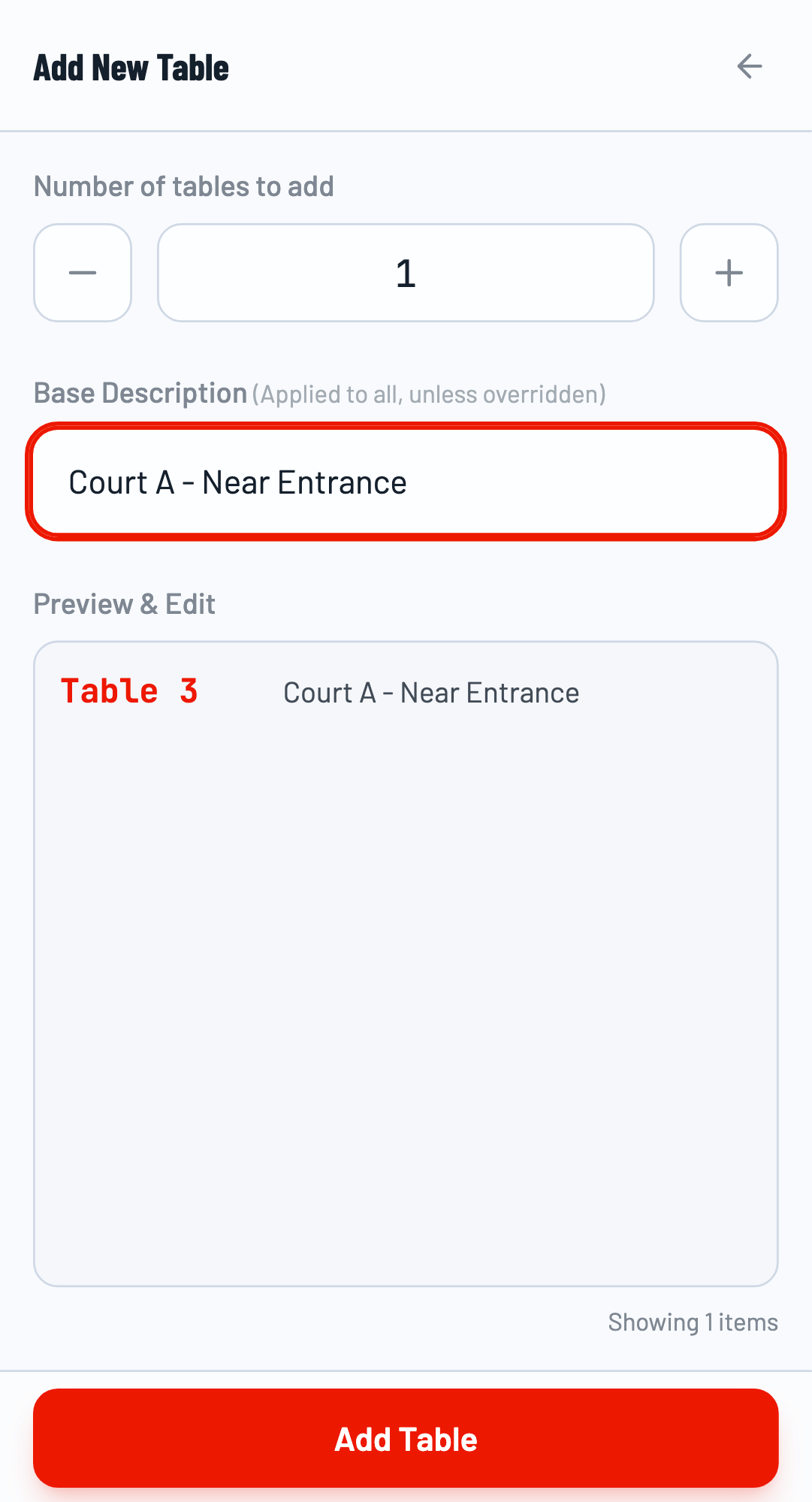
Add Description
Optionally add a description to help identify the table's location (e.g., "Court A - Near Entrance"). This is helpful for players and officials to find the right table.
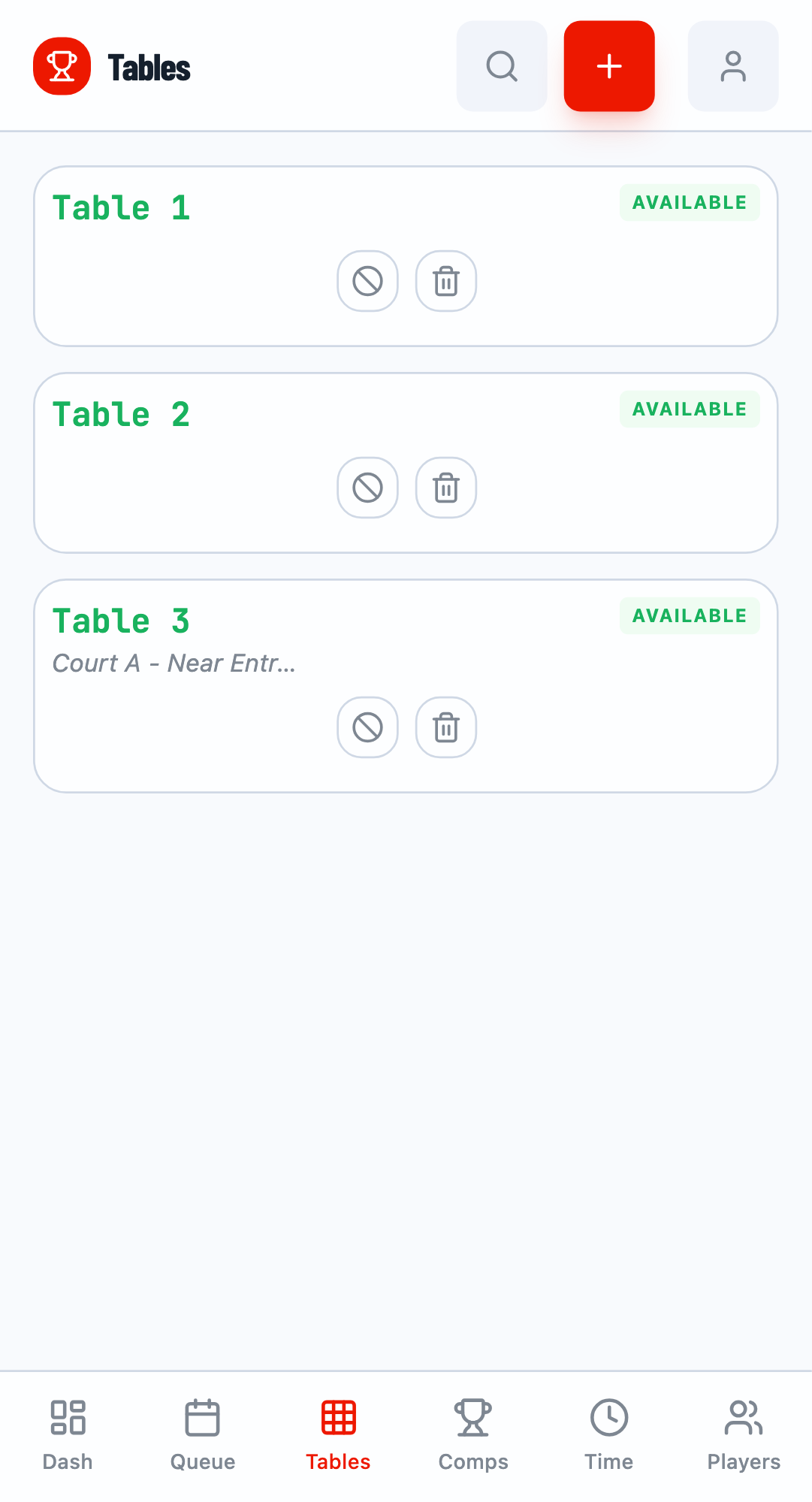
Save the Table
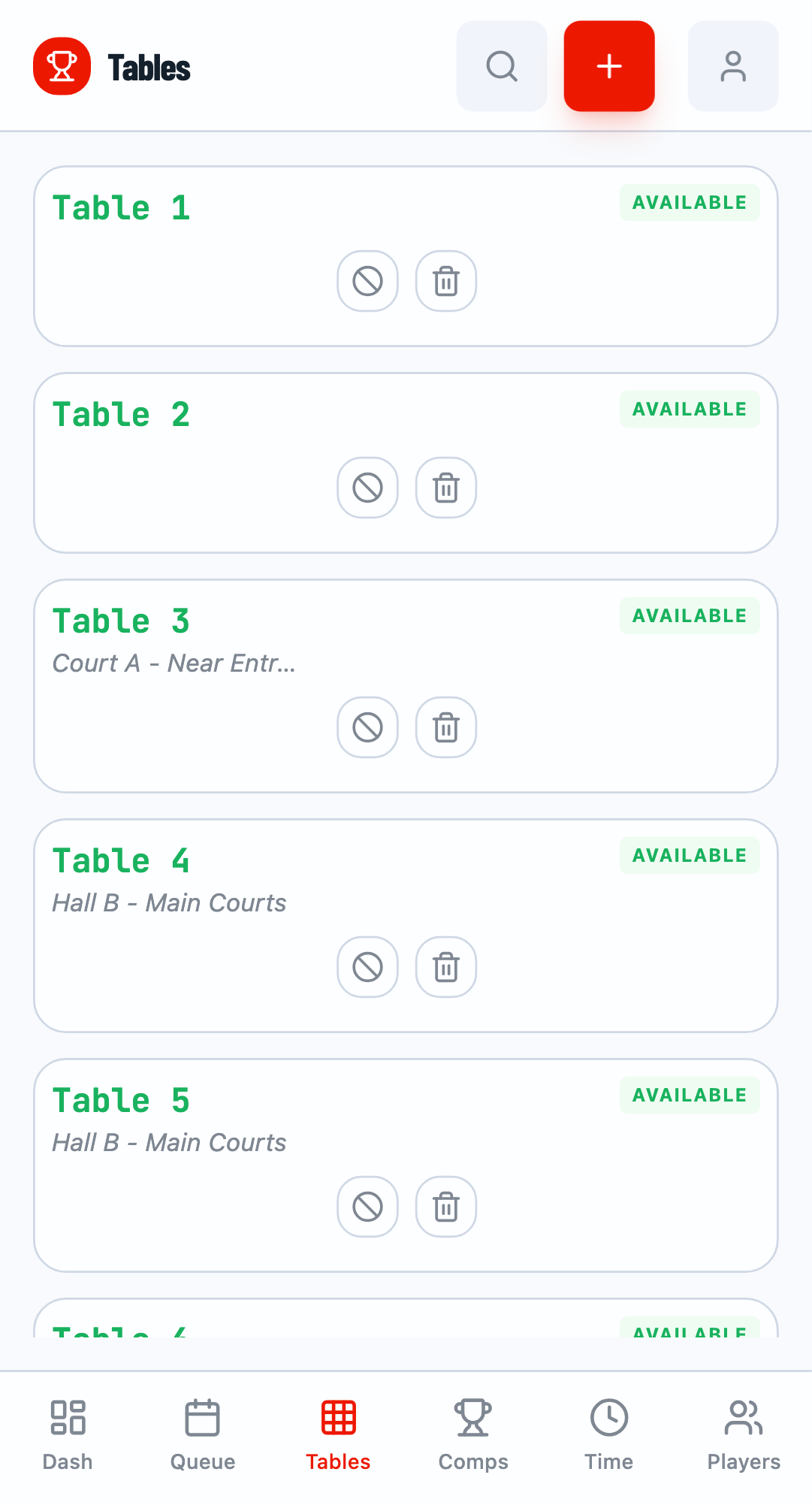
Click Add Table to create the table. It will appear in your tables list with "AVAILABLE" status.
Bulk Adding Tables
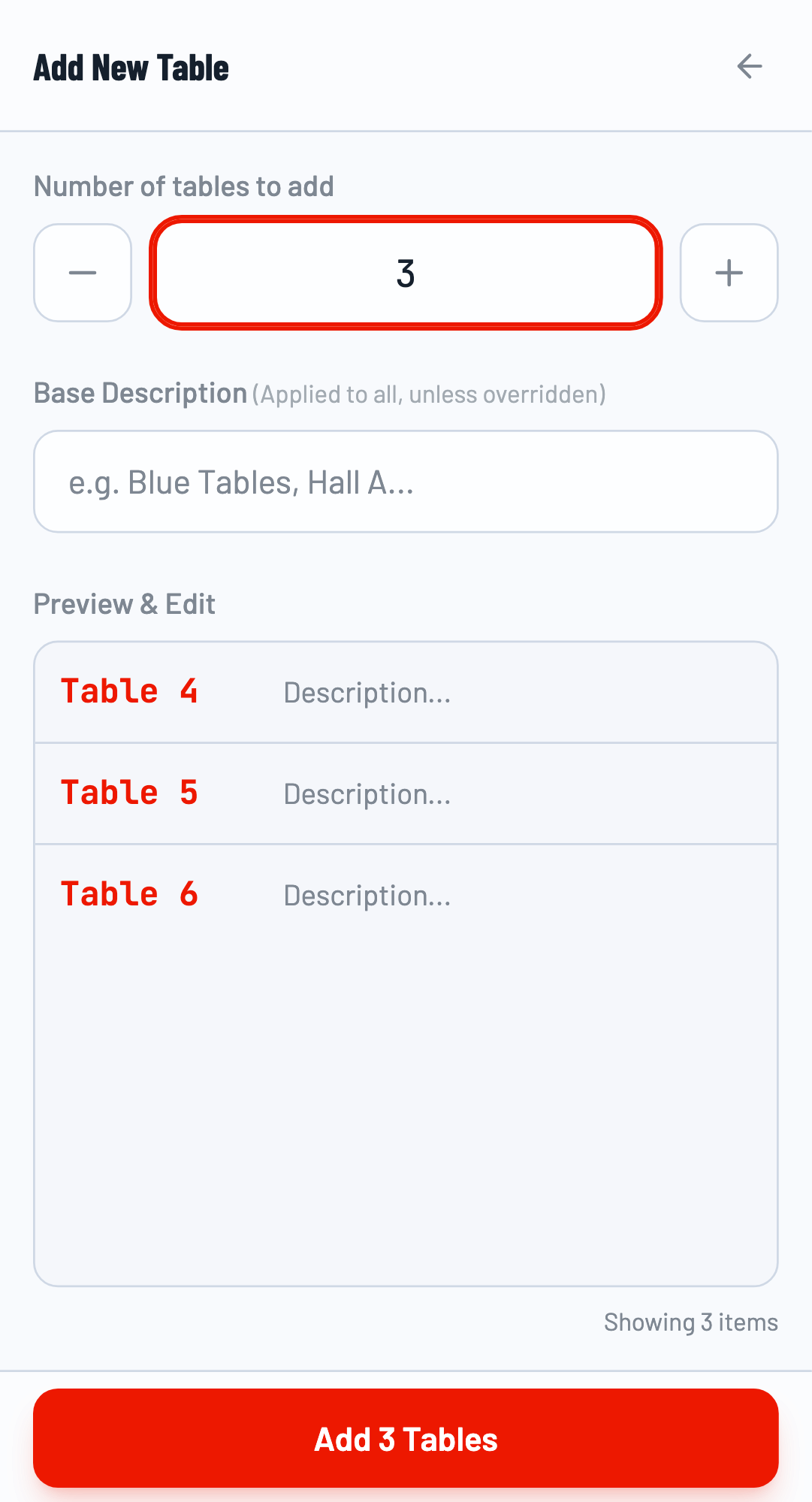
For tournaments with many tables, use the bulk add feature to create multiple tables at once.
Set Count and Description
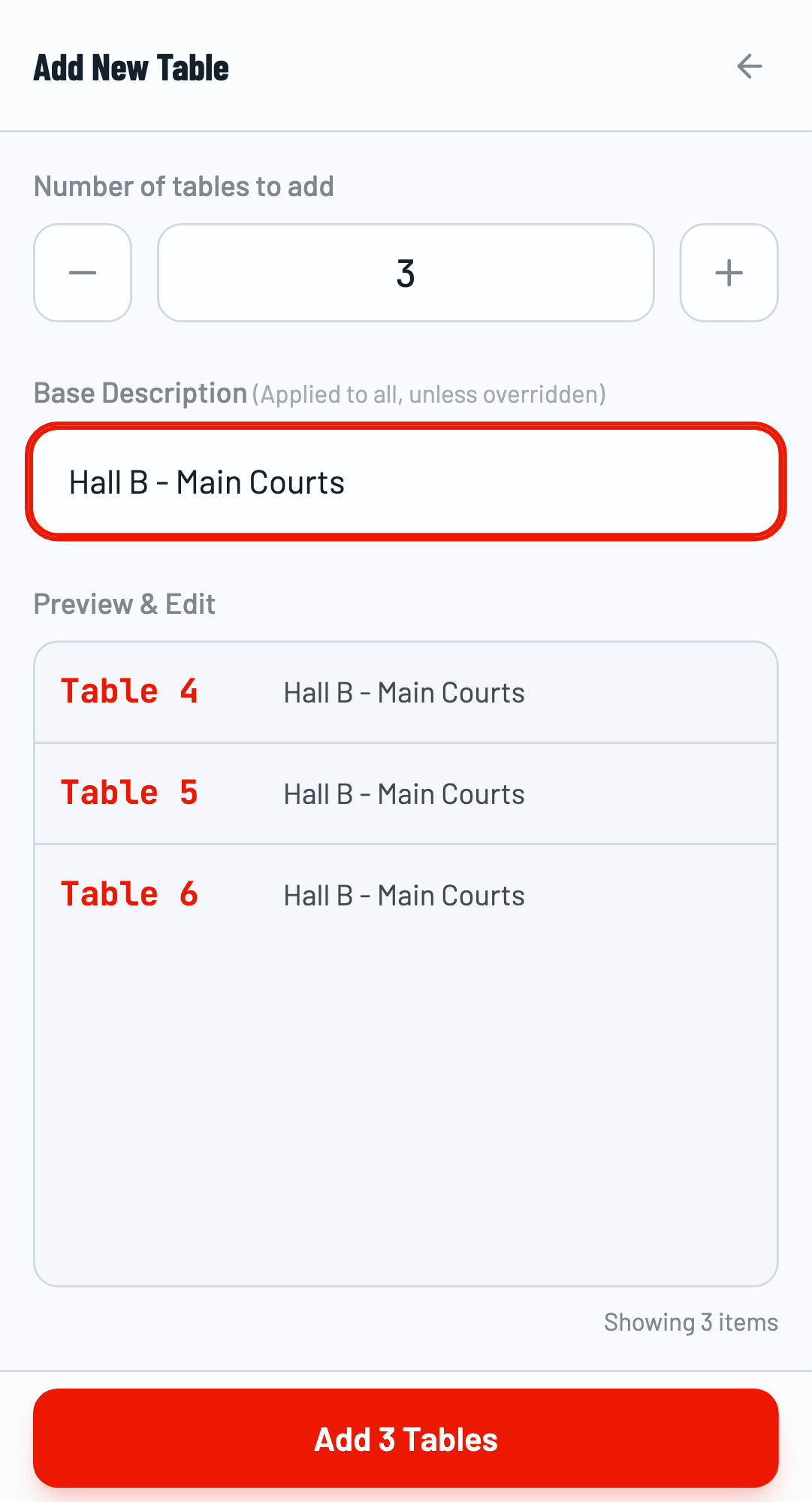
Enter the number of tables to add. A preview shows the table names that will be created. Add a shared description that applies to all tables in the batch.
Confirm Bulk Add
Click Add X Tables to create all tables at once.
Blocking Tables
Sometimes a table needs to be taken out of service (maintenance, break, etc.). Use the block feature to temporarily prevent matches from being assigned to it.
Block a Table
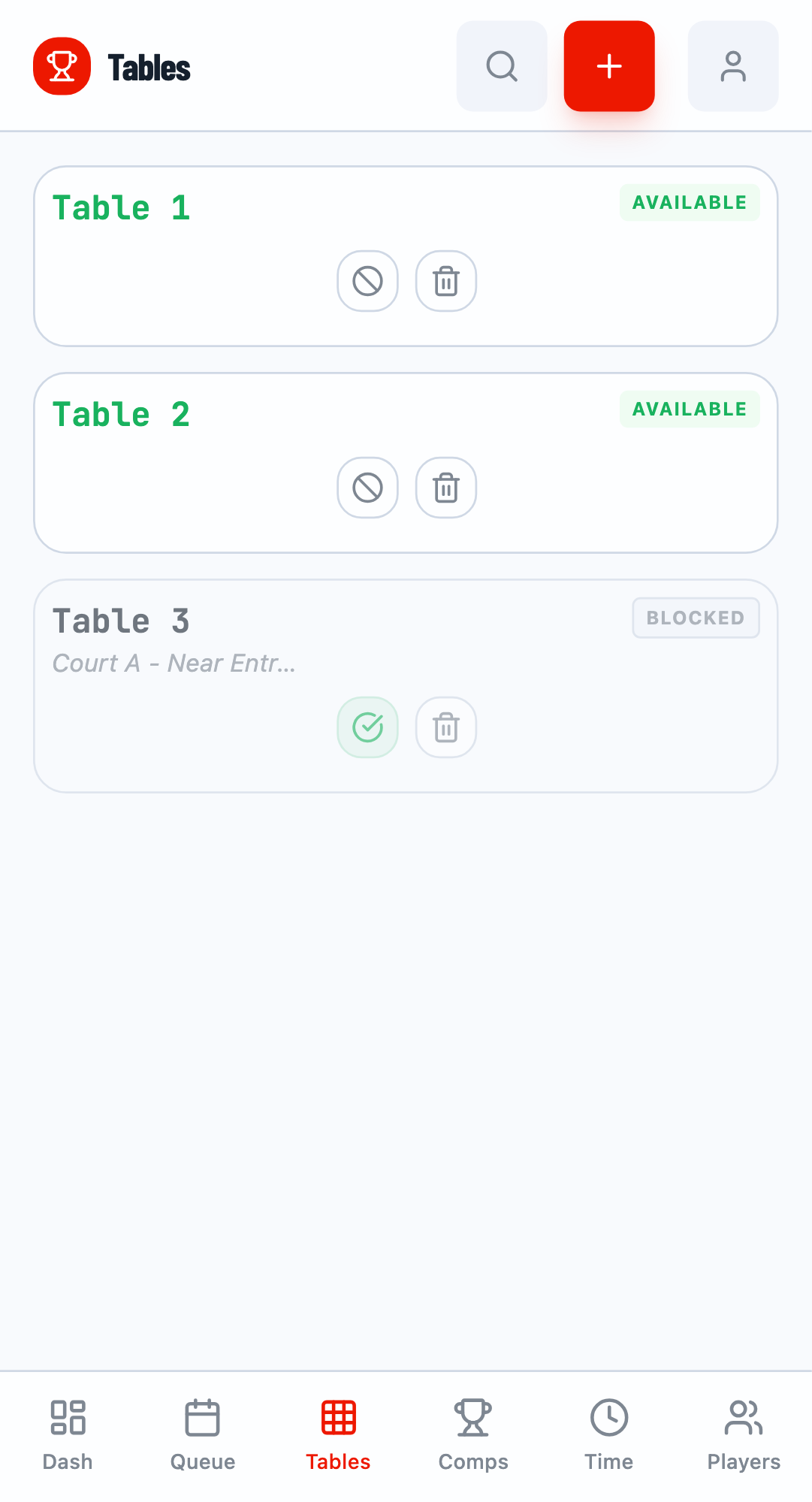
Click the Block icon on a table card. The status changes to "BLOCKED" and the table won't receive new match assignments.
Unblock a Table
Click Unblock to return the table to available status. It can then receive new match assignments.
Deleting Tables
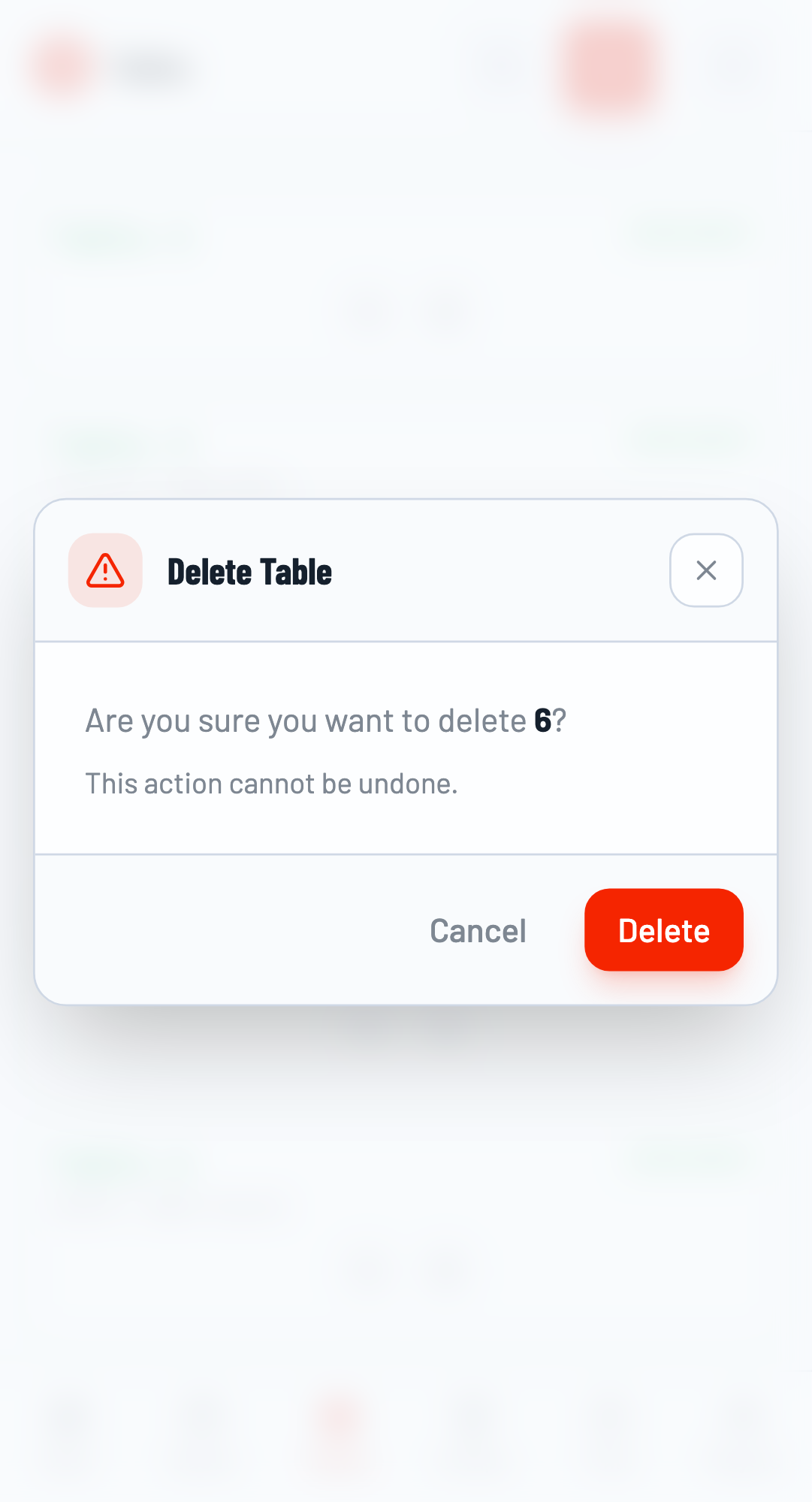
To permanently remove a table, click the Delete icon and confirm. Note: Tables with active matches cannot be deleted.
Cannot Delete Active Tables
Tables that currently have matches assigned cannot be deleted. Finish or reassign the match first, then delete the table.
Related Guides
- Getting Started - Basic tournament setup
- Match Scoring - How to score matches on tables