Multi-Mode Tournament Workflow
Learn how to run a tournament with three different perspectives: Owner (management), Viewer (public viewing), and Remote Scorer (PIN-based scoring).
TourneyPilot supports multiple concurrent access modes, allowing tournament organizers, spectators, and court-side scorers to interact with the same tournament in real-time. This guide demonstrates how these three modes work together.
Overview of Four Modes
Owner Mode
Full tournament control. Create tournaments, add players, generate draws, and manage all aspects of the competition.
Viewer Mode
Public access to tournament data. View brackets, results, and live scores without authentication.
Scorer Mode
PIN-based remote scoring. Court-side scorers enter match results without full app access.
View-Only Mode
Read-only access to another user's tournament. All editing features are hidden.
View-Only Mode
When you access a public tournament that belongs to another user, you enter View-Only mode. This is similar to Viewer mode but with additional restrictions to prevent accidental modifications.
What's Hidden in View-Only Mode
The following features are hidden when viewing someone else's tournament:
📊 Dashboard
- Reset Time Tracking button hidden
📋 Queue
- Auto-Schedule toggle hidden
- Boost, Quick Score, Assign buttons hidden
🏓 Tables
- Add Table button hidden
- Block/Unblock buttons hidden
- Delete button hidden
👥 Players
- Import button hidden
- New Player button hidden
🏆 Competitions
- Entries show "Entries Locked" banner
- Add Entry button hidden
- Start/Pause buttons hidden
- Clear/Regenerate buttons hidden
⚙️ Settings
- Edit Tournament button hidden
- Save/Clone buttons hidden
- Developer/Danger tabs unavailable
⏱️ Time Planning
- Clear button hidden
- Auto button hidden
- Time badges are read-only
🎯 Match Details
- Finish Match button hidden
- Postpone button hidden
- Correct Score button hidden
What You Can Still Do
Even in View-Only mode, you can still view all tournament data including brackets, results, player statistics, and match schedules. You can also create your own tournaments from the home page.
How It Works
The tournament uses a real-time synchronization system that keeps all three modes updated:
- Owner creates and manages the tournament, going "online" to enable cloud sync
- Viewer accesses the public tournament URL and sees live updates
- Scorer uses a unique PIN to score specific matches at each table
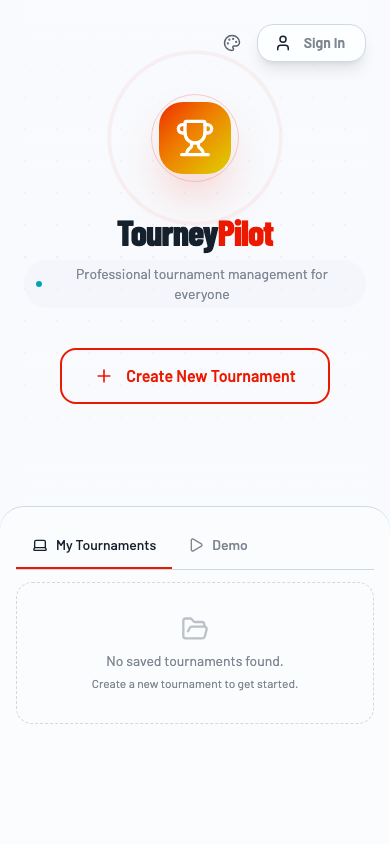
Phase 1: Owner Setup
Step 1: Login and Create Tournament
The tournament owner logs in with a magic link and creates a new tournament with the desired configuration.
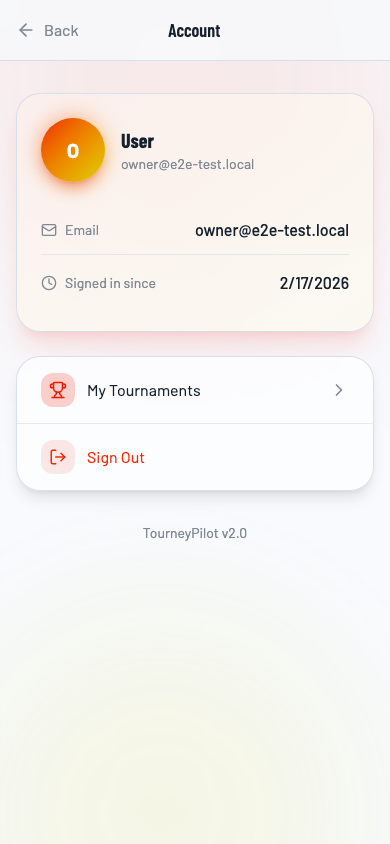
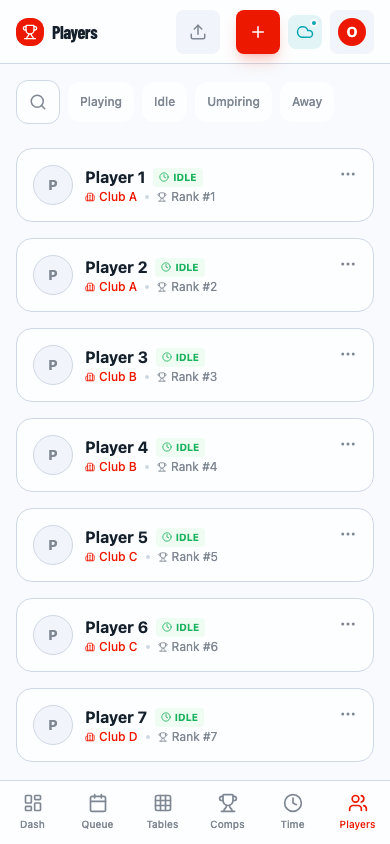
Step 2: Create Competition and Add Players
After creating the tournament, add a competition (e.g., Men's Singles) and add players to the roster.
Step 3: Generate Knockout Fixture
Generate the knockout bracket for the competition. The system will create matches based on the number of players.
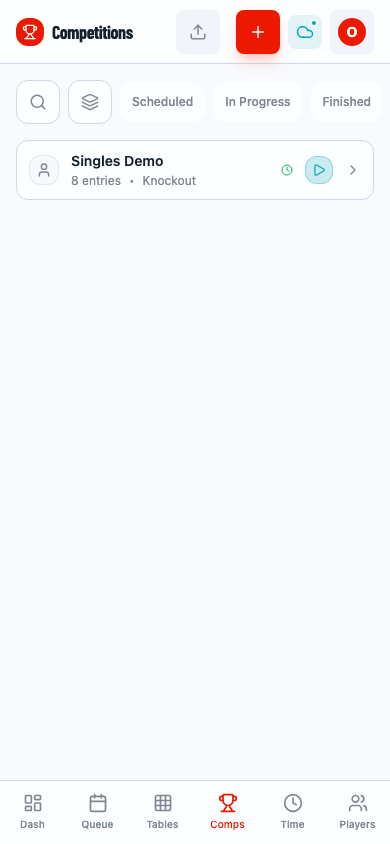
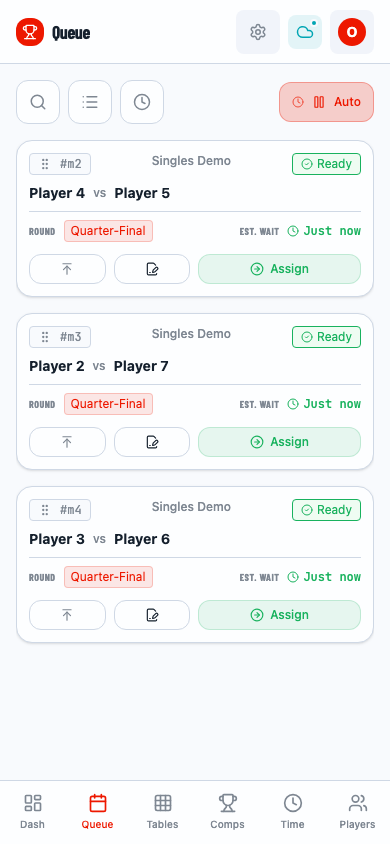
Step 4: Start Competition and Enable Auto-Assignment
Start the competition to make matches available for play. Enable auto-assignment to automatically assign matches to tables.
Step 5: Go Online
The critical step - take the tournament "online" to enable real-time synchronization with viewers and scorers.
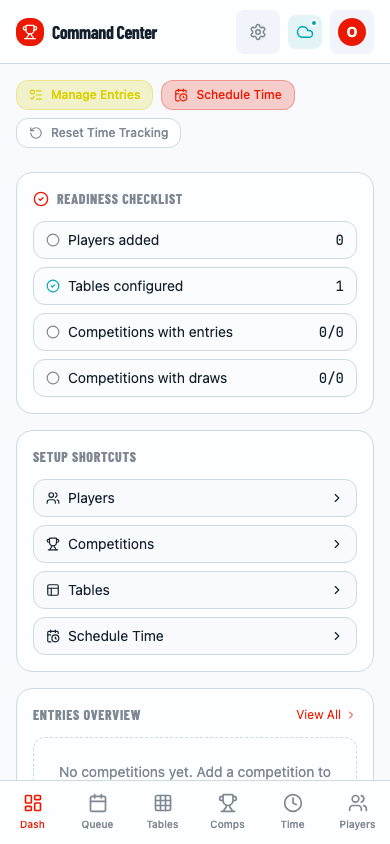
Going Online is Required
Without going online, viewers cannot access the tournament and scorers cannot connect. The tournament operates in offline mode by default.
Phase 2: Viewer Access
Step 6: Viewer Navigates to Tournament
Anyone with the tournament URL can view the tournament without logging in. They can see:
- Competition brackets
- Match results
- Player statistics
- Live scores (updated periodically)
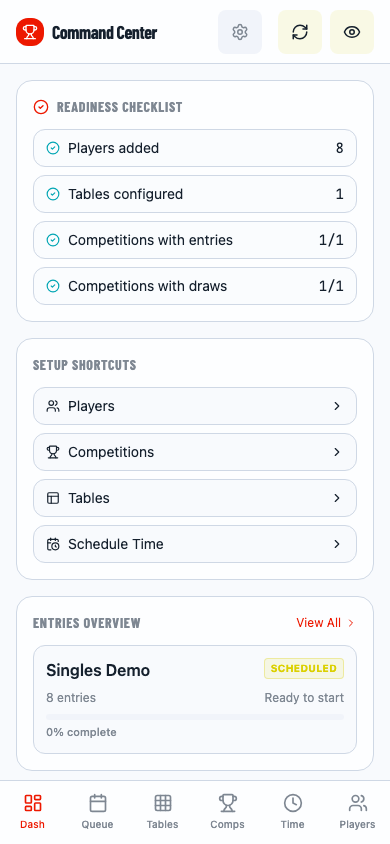
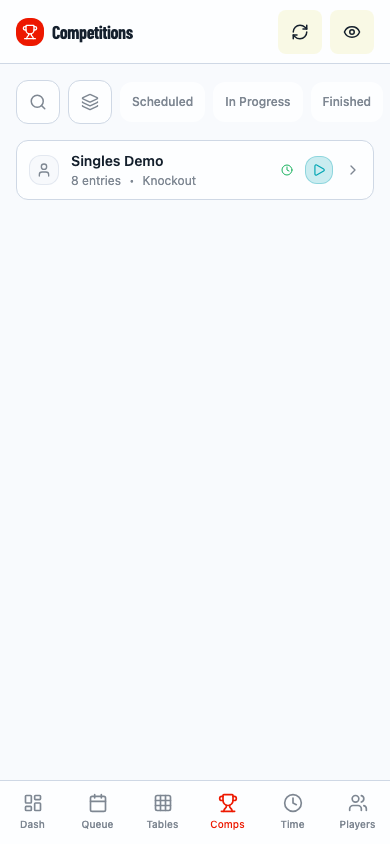
Step 7: Viewer Sees Competition
The viewer can browse competitions and view brackets in real-time.
Phase 3: Remote Scoring
Step 8: Get Table PIN
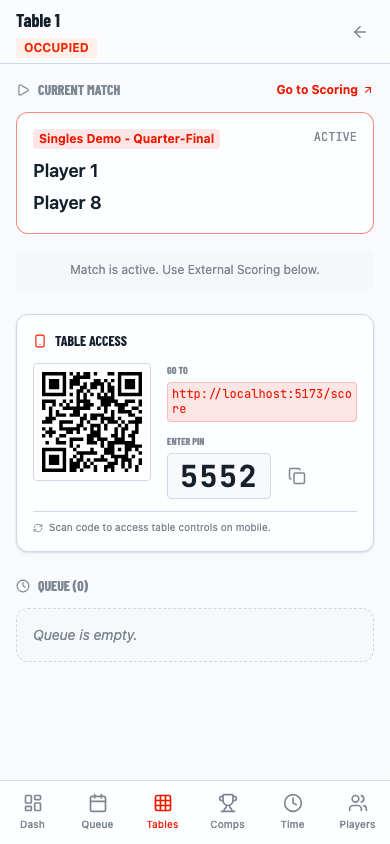
The owner can view each table's unique PIN code by clicking on a table card. This PIN is used by scorers to access the scoring interface.
Step 9: Scorer Opens Scoring Interface
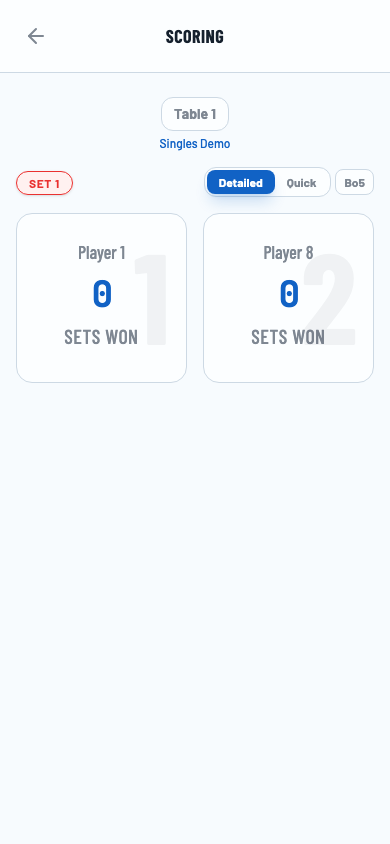
Scorers navigate to the scoring URL with the PIN parameter. They see the current match assigned to that table.
Step 10: Score Match in Detailed Mode
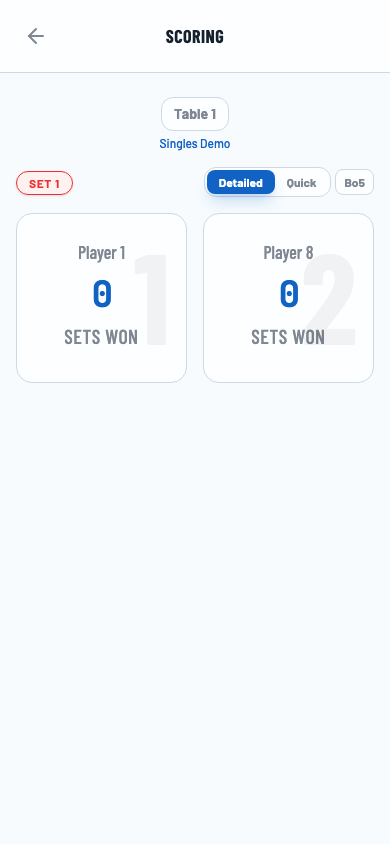
Scorers can switch to "Detailed" mode to score set-by-set, recording the exact score for each set.
Step 11: Complete Match Scoring
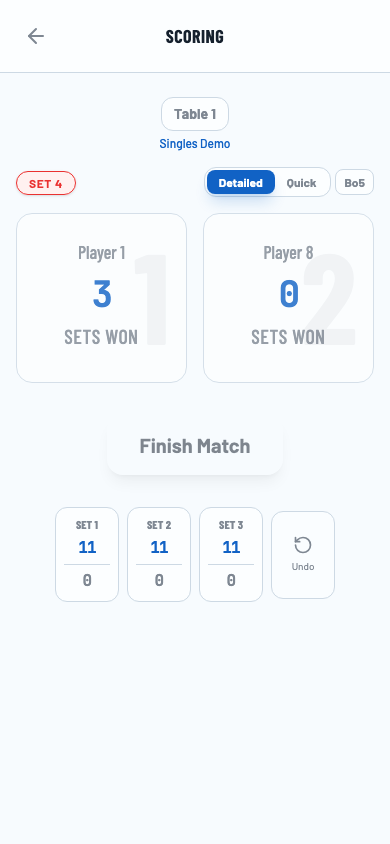
After scoring all sets, the scorer clicks "Finish Match" to submit the final result.
Step 12: Match Completed
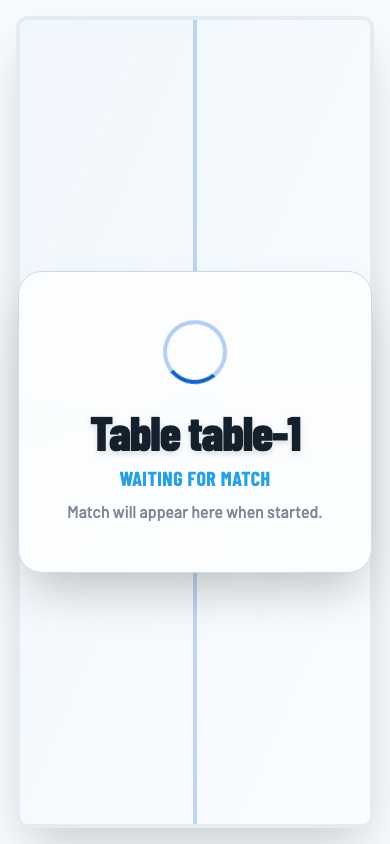
The scorer sees "Waiting for Match" when the current match is complete. The next match will automatically appear.
Real-Time Synchronization
Viewer Updates
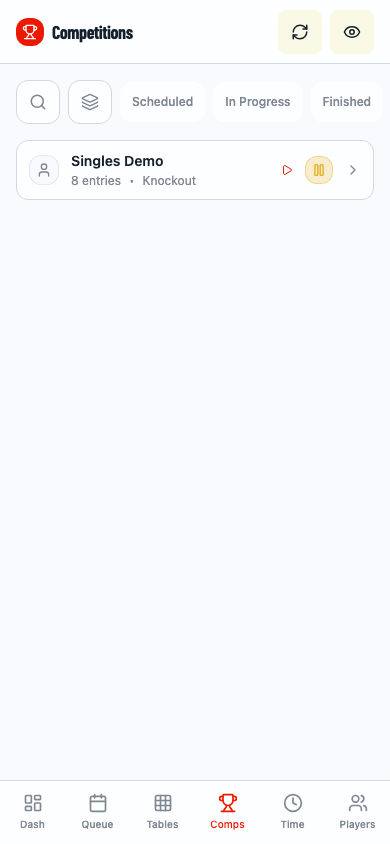
Viewers see updated results automatically as matches are scored. The system polls for updates periodically.
Final Results
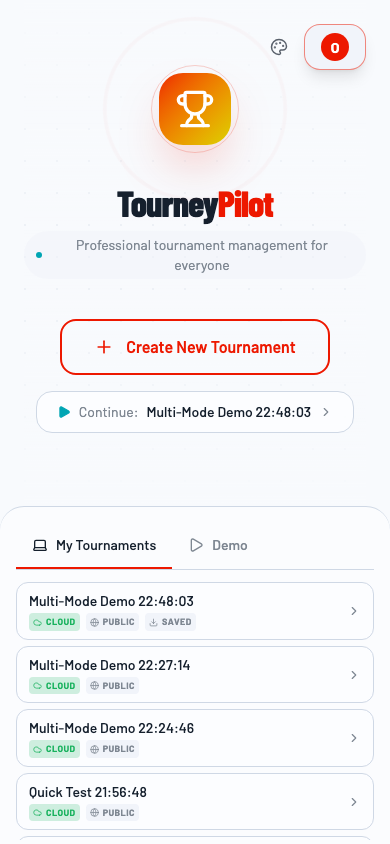
The owner can view the complete tournament results at any time.
Video Demonstrations
Below are video recordings showing each mode in action:
Owner Workflow
Viewer Experience
Scorer Interface
Key Concepts
Authentication
- Owner: Requires login via magic link
- Viewer: No authentication required (public access)
- Scorer: PIN-based access (no login required)
Data Flow
┌─────────────┐     ┌──────────────┐     ┌─────────────┐
│   Owner     │────▶│   Cloud      │◀────│   Viewer    │
│   (Edit)    │     │   Storage    │     │   (Read)    │
└─────────────┘     └──────────────┘     └─────────────┘
                           ▲
                           │
                    ┌──────┴──────┐
                    │   Scorer    │
                    │   (Score)   │
                    └─────────────┘
Best Practices
- Always go online before inviting viewers or scorers
- Keep PIN codes secure - only share with designated scorers
- Monitor the queue to ensure matches are being assigned correctly
- Test scoring before the tournament starts
Related Guides
- Getting Started - Basic tournament setup
- Match Scoring - Detailed scoring instructions
- Draw Generation - Creating tournament brackets